
The Induction App Built for Construction Teams
Generate site-specific inductions from your hazard registers and procedures. Workers complete them on mobile before arriving on site. No delays from missed sessions, complete safety records for every worker.

Trusted by companies, projects and teams of all sizes















Why Induction management Is Harder than It Should Be

Manual induction sessions create delays
Site supervisors spend hours running the same induction multiple times for different arrival times and crews.

Workers can't start without induction
Projects get delayed when workers miss scheduled induction sessions or arrive on site without safety briefings.

Inconsistent safety information delivery
Verbal inductions vary between supervisors and sessions, creating gaps in hazard awareness and emergency procedures.

No audit trail of induction completion
Paper sign-off sheets get lost and provide no proof of what safety information was actually communicated to workers.
A Smarter Way to Manage Induction

Automated induction content generation
Generate induction templates from site descriptions or existing documents, including hazards, PPE requirements, emergency procedures, and site rules.

Mobile completion before site arrival
Workers complete inductions on their phone with photo ID verification, emergency contact details, and acknowledgment of all safety requirements.

Supervisor verification and final briefing
Review completion records, verify worker details, conduct final face-to-face briefing, and sign off before work begins.

No audit trail of induction completion
Photo ID verification, completion timestamps, supervisor sign-off, and all safety acknowledgments linked to site access records.


Understanding Induction Software
What makes effective site inductions
Site inductions must cover specific hazards, emergency procedures, PPE requirements, and site rules for each project location. Generic safety briefings don't address actual site risks, while manual delivery creates inconsistency and delays. Effective inductions combine site-specific content with verified completion, creating documented proof that workers understand the hazards and controls before starting work.
Essential elements of digital site inductions
- Site-specific hazard identification and risk controls
- Emergency procedures and evacuation routes
- PPE requirements for different work areas
- Site rules and access restrictions
- Worker details and certification verification
- Photo ID verification and acknowledgment records
Supervisor oversight and verification
Digital inductions don't replace supervisor involvement - they enhance it. Supervisors review AI-generated content for accuracy, verify worker completion records, and conduct final face-to-face briefings to confirm understanding before work begins.
How To Set Up a Digital Induction Using Sitemate
Step 1:
Step 2:
Generate induction templates. Use AI to create site-specific induction templates from site descriptions or upload existing documents. Review and tailor content for accuracy.
Step 3:
Configure worker access. Set up mobile access for workers to complete inductions before site arrival, with photo verification and mandatory field completion.
Step 4:
Train supervisors on review process. Show supervisors how to review completion records, verify worker details, and conduct final briefings before work authorization.
Step 5:
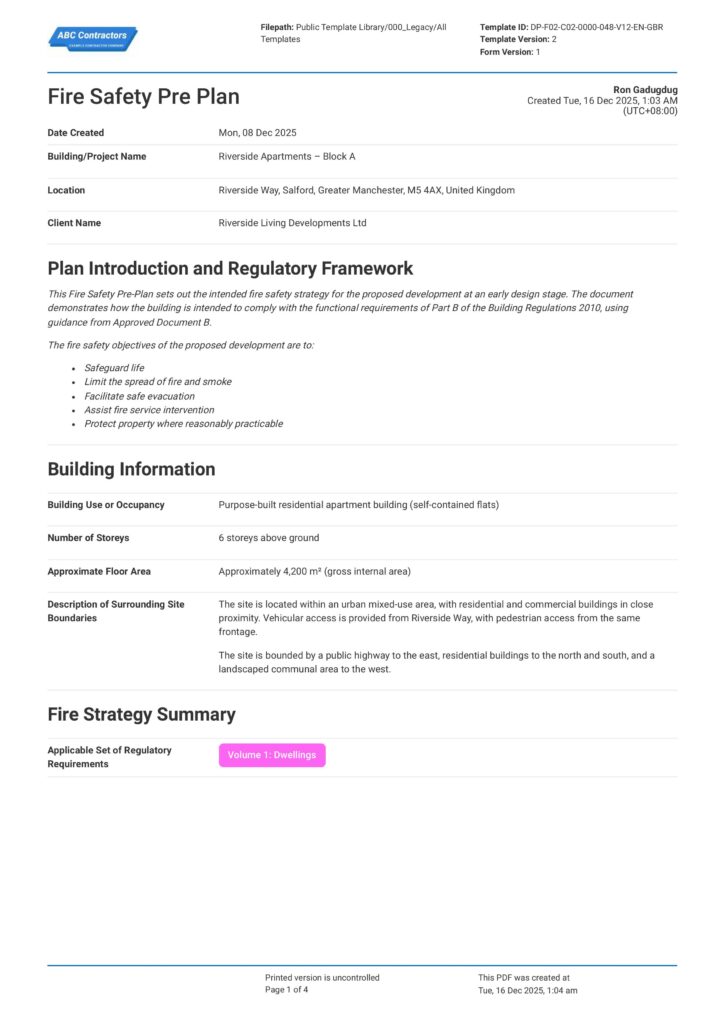
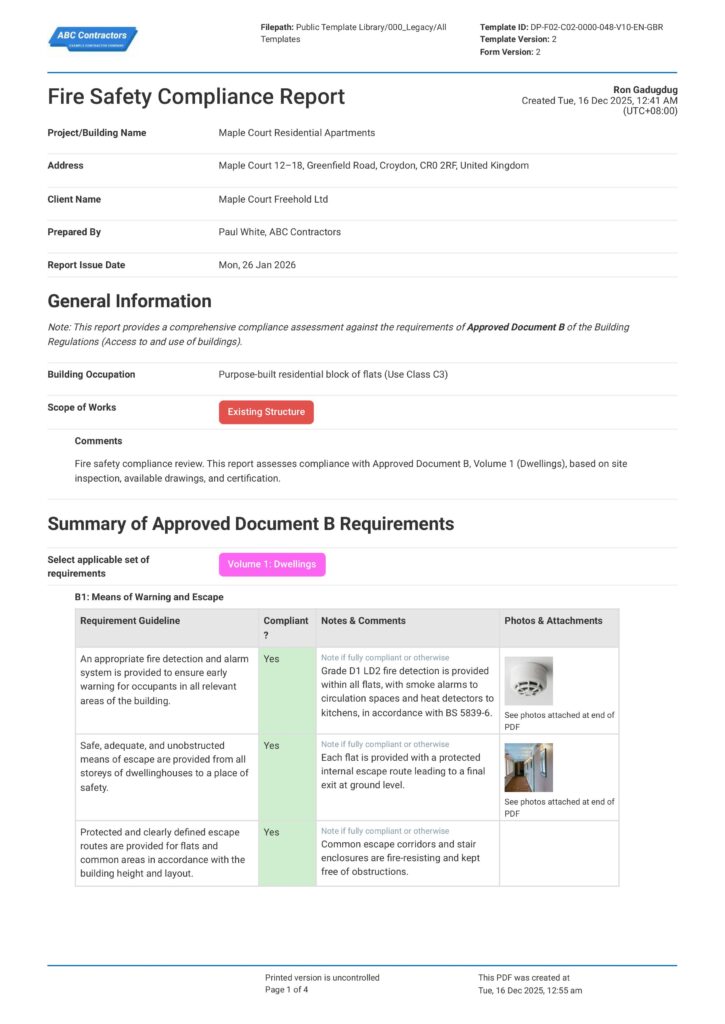
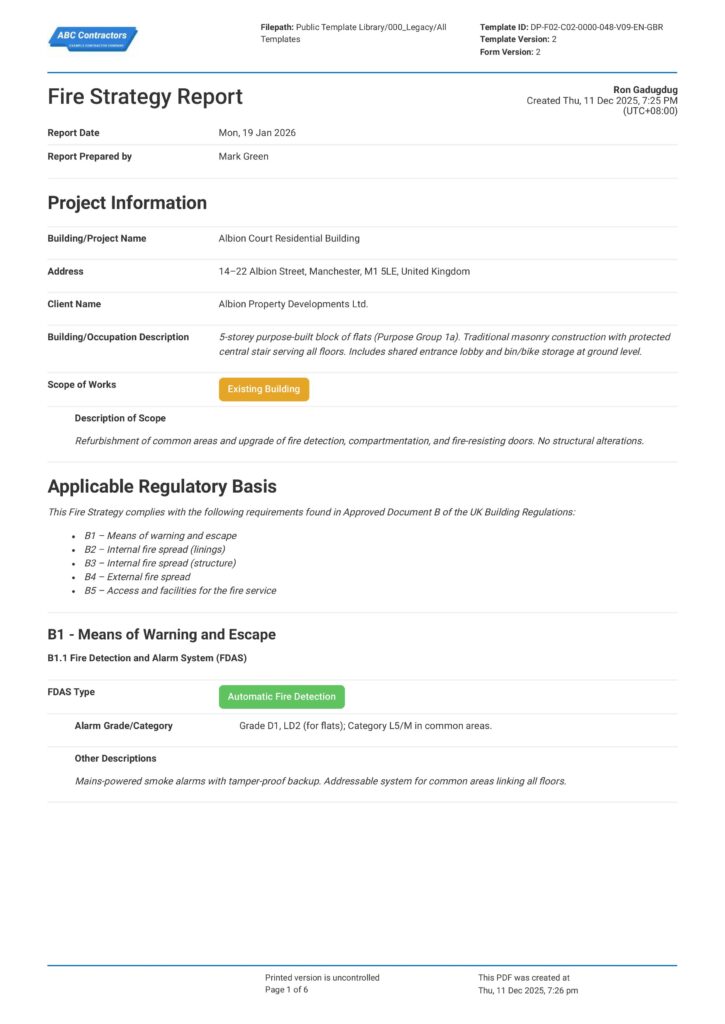
Start Faster With Built-In Induction Templates
See How Sitemate Has Already Helped Companies Like Yours
"People can access the system remotely. There's no need to sign a form in person."
- Stuart Gordon, Group Health and Safety Director
6 live regions
Managing housing projects with Dashpivot
100+ forms
Use digitally across health, safety, and quality
Flowsite contractor onboarding
Connect induction completion to contractor prequalification and site access workflows, ensuring all safety requirements are met before work authorization.
Comparison: Paper Induction vs Digital Induction
Most project teams already know paper and spreadsheets aren't cutting it. Here's what changes when you move your method statements to a digital system.
Site-specific hazard content
Pre-arrival completion
Photo ID verification
Versioning
Approvals
Audit trail
Integration with site access
Reporting
Searchability

Paper
Frequently asked questions about Site Induction
Will workers actually complete digital inductions?

Yes – the mobile-friendly format includes progress tracking and photo verification. Workers can’t access site without completion, and supervisors still conduct final briefings to confirm understanding.
How does AI generate site-specific content?
Describe your site (e.g. ‘road bridge construction, regional NSW’) or upload existing induction documents. AI builds structured templates with hazards, procedures, PPE requirements, and site rules matched to your work type and location.
What supervisor controls are maintained?
Supervisors review all AI-generated content for accuracy, verify worker completion records, conduct face-to-face final briefings, and provide sign-off before work begins. No work starts without supervisor verification.
How do you verify worker identity?
Workers provide photo ID verification, emergency contact details, and certification records as part of the induction process. All details are linked to completion timestamps and supervisor sign-off.
Can inductions work offline?
Yes – workers can complete inductions on mobile with offline capability, then sync completion records when connectivity returns. This ensures no delays for remote site locations.
How do completion records integrate with site access?
Induction completion status links directly to site access records in Dashpivot, creating complete audit trails of who has been inducted and authorized for specific work areas.
What happens if workers have questions during digital induction?
The supervisor conducts a final face-to-face briefing after reviewing completion records, addressing any questions and confirming understanding before authorizing work to begin.
 English (United States)
  English (Australia)
  English (UK)
  English (New Zealand)
  English (South Africa)
  German