Kraaft alternative for RAMS
Kraaft is a mobile-first field communication app that construction teams use to share photos, reports and updates from site, and some teams run safety documentation inside it as an alternative to paper or email. If you're weighing it against a dedicated RAMS system, here's an honest look at where each one fits.

Trusted by companies, projects and teams of all sizes















The short answer
The Kraaft alternative for RAMS is Dashpivot by Sitemate. If you need a controlled RAMS document with approval workflow, on-site sign-off, a versioned register across jobs, and Storm to draft the first version from your work scope, Dashpivot is the stronger fit.
What Kraaft Is Built For
Kraaft is built around fast, low-friction field communication. It's often described as an augmented WhatsApp for construction, and that framing is accurate: the core experience is chat, photo capture and geolocated reporting from the field.
- Fast photo and voice-to-form capture on site
- Field-to-office communication with traceability
- Daily reports and PDF export
- Chat-based coordination across a site team
Why Teams Look for an Alternative
Kraaft's strength is speed of communication, not structure of documentation. When RAMS needs to be a controlled document with a defined approval path, versioning and a register you can stand behind in an audit, a messaging-first tool starts to show its limits.
- No structured template builder for hazard identification, risk scoring and controls
- No approval workflow or formal on-site sign-off for RAMS
- No single register of RAMS across jobs and subcontractors
- No way to draft a first version of a method statement from the work scope
It's 6am, the job starts at seven, and the RAMS is a Word file nobody can find on SharePoint. The client wants it signed and emailed before anyone's on site.
What Dashpivot by Sitemate Is Built For
Dashpivot by Sitemate is a field system for building, running and signing off safety documents like RAMS, then keeping the record. You build the RAMS once, run it on any device, and every version stays filed against the job.
- RAMS and method statements built from a reusable template, not retyped for every job
- Sign-on on site so the crew is recorded against the RAMS they were actually briefed on
- One register of every RAMS, across every job and every subcontractor


AI Templates
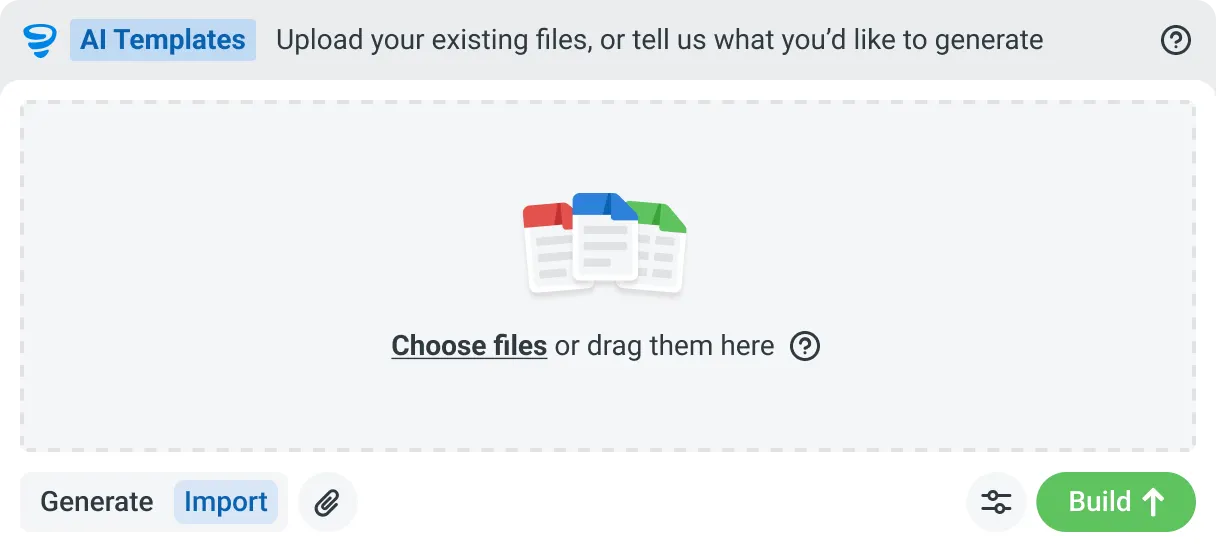
Describe the template you need in plain language, or upload an existing PDF, Word or Excel document. Storm builds the structure, with the right fields, sections, columns and workflow attached, and you review and refine it before you save.

AI Form Fill
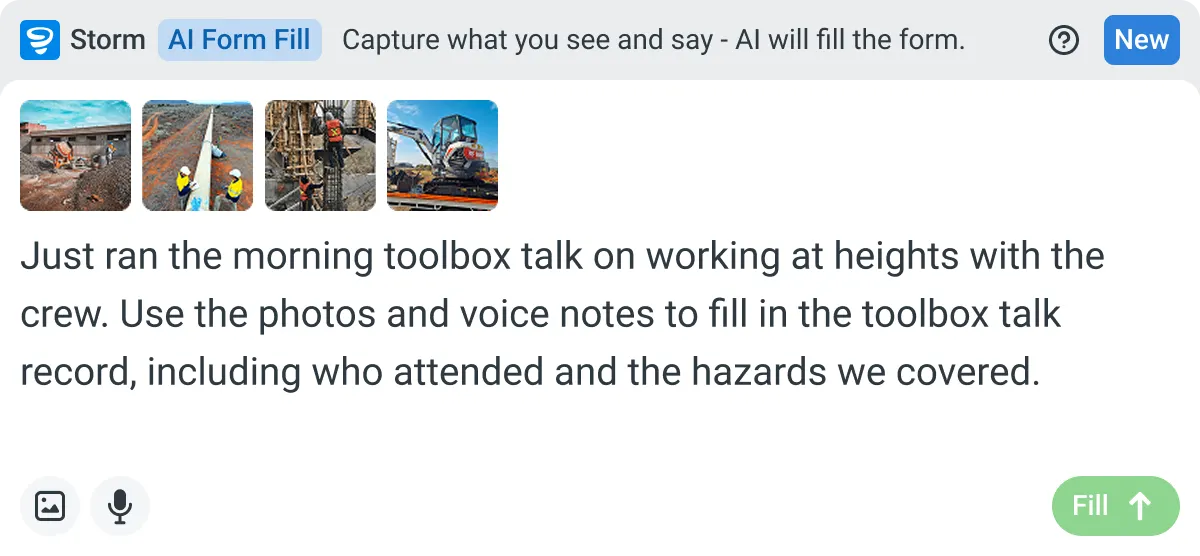
Capture what you see and say, and Storm drafts the form for you. The details land in the right fields, so there is a record to check the moment the work is done, and you review and submit it yourself.

Works on site
Built for gloves, cabs, and screen protectors. Captures inputs offline and processes in the background. No waiting on the field.

You stay in control
Storm never commits a record on its own. Every output is a draft for human review. Admins control what Storm can write to.
How Dashpivot does [the job]
Three steps, and you own the record at the end of all of them. Set the RAMS up once, run and sign it on site, and keep every version filed against the job it belongs to.
-
Step 1
Set the RAMS Up Once
Build your RAMS with the hazards, risk scores, controls and method steps your work needs, or start from a free template and adjust it. It becomes the form every job runs from.
-
Step 2
Run and Sign It On Site
Fill it on any device, offline if the site has no signal. Storm can draft the first version from the work scope, and the crew signs onto it before the job starts.
-
Step 3
Keep the Signed Record
Every RAMS is filed against its job and date, versioned and audit ready. Export it to PDF, email it to the client, and it stays yours after the job closes.
What Dashpivot Does Not Replace
Dashpivot runs the RAMS process and holds the record. It doesn't decide whether your controls are adequate, and it isn't a legal sign-off. A competent person still reviews the hazards and signs the method as safe for the job in front of them.
What Dashpivot Does for RAMS Today
What ships today, and nothing that doesn't:
- Build RAMS and method statement templates with hazards, risk scoring and controls
- Draft the first version with Storm from the work scope, then edit it
- Sign the crew onto the RAMS on site, on any device, offline
- Keep every RAMS in one register, versioned and audit ready
- Export to PDF and email it to the client or principal contractor
Where Dashpivot Stops
The honest gaps, and we'd rather you know them now:
- Decide whether a control is adequate. A competent person owns that call
- Act as legal or regulatory sign-off on your RAMS
- Replace a dedicated estimating, accounting or design tool
Kraaft is field communication, close to a smarter site chat. A RAMS is a controlled document that gets approved and signed, so the comparison is really messaging versus a structured safety record.
- Columns: Capability | Dashpivot | Kraaft
- Structured RAMS as a controlled document | Yes | Messaging-first, not built for controlled forms
- Approval workflow and on-site sign-off | Yes | Limited
- One register of RAMS across jobs and subcontractors | Yes | Chat and photo threads
- Storm drafts the first version from the work scope | Yes | No
- Fast field capture and communication | Yes | Yes, its core strength
Where the Two Actually Differ
The gap is what each app is designed to produce. Kraaft produces a communication record. Dashpivot by Sitemate produces a controlled safety document with a chain of custody.
- Dashpivot gives you a structured RAMS template with hazards, risk scoring and controls built in; Kraaft is messaging-first and isn't built for controlled forms
- Dashpivot has an approval workflow and on-site crew sign-off; Kraaft has limited support for formal sign-off
- Dashpivot keeps every RAMS in one versioned register across jobs; Kraaft stores information in chat and photo threads
- Storm in Dashpivot drafts the first version of your RAMS from the work scope; Kraaft has no equivalent
Where Kraaft Is the Better Choice
If what your team actually needs is faster field-to-office communication and photo documentation, and your RAMS are handled elsewhere, Kraaft's low-friction adoption is a genuine advantage. It's built for that job and it does it well.
- Your team's main pain point is field communication and daily reporting, not RAMS documentation
- You need very fast photo and voice capture with almost no onboarding friction
- RAMS are already managed through another system and you're not looking to consolidate
How Teams Move From Kraaft
Nobody moves every RAMS at once. You decide whether it's worth it, bring one job across, then widen out once a crew has signed onto a live one.
-
Step 1
Decide
If your crews mainly need fast field communication and photo capture, Kraaft does that well. Move when a RAMS has to be a controlled document with hazards, approvals and sign-on, not a message thread.
-
Step 2
Convert
Bring one job's RAMS across. Rebuild it as a Dashpivot form, or start from the free RAMS template and add your hazards and method steps. Word and PDF documents can ride along while you switch.
-
Step 3
Pilot
Run it live on one job. The crew signs onto the RAMS on site, and you keep exporting the PDF you send the client, so nothing you depend on switches off while you test it.
-
Step 4
Roll Out
Once one crew has run a live RAMS end to end, add the rest of your jobs and subcontractors. Every RAMS lands in one register, and the visibility gap closes.
Frequently Asked Questions
Is Dashpivot a replacement for Kraaft?

For structured records, yes. Kraaft is built around chat and fast capture, and Dashpivot is built around forms, approvals and a register you can search later. A RAMS needs the second one.
Can we use both?
Yes. Crews that like Kraaft for day-to-day communication often keep it, and run anything that has to be signed and kept in Dashpivot.
Does Kraaft do RAMS?
It can carry the document and the photos around it. What it isn’t built for is a method statement with hazards, controls, sequenced steps and a sign-on that has to hold up months later.
Do we have to use Storm to write a RAMS?
No. The RAMS is a form, and filling it in works like any other Dashpivot form. Storm is there if you’d rather speak it than type it, which is the part Kraaft users usually ask about first.
How does the crew sign on?
Digital signatures are fields on the RAMS form, so the crew signs on the device before work starts. Workers can also check in by QR with their Sitemate ID.
Where does the signed RAMS end up?
Against the job in Dashpivot, searchable with your other site records, rather than scrolling back through a conversation to find it.