

Track it, inspect it, and maintain it without the admin
The fleet and asset platform for the built world. From hand tools to heavy machinery, in one register.

Trusted by companies, projects and teams of all sizes















asset types
From hand tools to heavy machinery. Every asset in the same system
A 50-tonne excavator and a calibrated multimeter both live in the same register. No compromises for either.
Heavy plant
Excavators, dozers, cranes, drill rigs, loaders. Hour-based servicing, pre-starts, fault reports, work orders.
Light vehicles
Utes, trucks, vans, light commercial. Mileage-based servicing, registration tracking, daily checks.
Fixed plant
Generators, compressors, pumps, processing equipment. Calendar and runtime-based servicing.
Equipment
Tooling, attachments, scaffolding, formwork. Inspection scheduling and check-in / check-out.
Tools
Hand tools, power tools, test instruments. Test and tag, calibration tracking, allocation records.
Custom
Bring any asset type into the same system. Custom schedules, custom inspections, custom fields.
Who Gearbelt is for
Built for the people running, fixing, and tracking the fleet
One system, three sets of users. Each one gets the view of the asset they need to do their job.

Plant and fleet managers
See every asset at a glance. Spot what's due, what's overdue, and what's broken. Plan maintenance instead of chasing it.
Operators
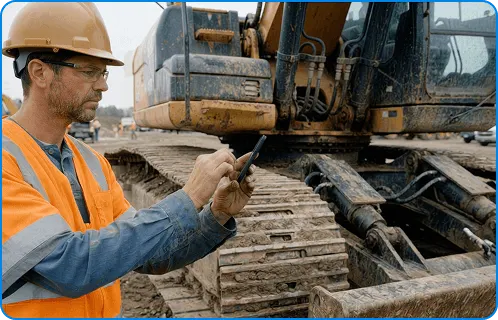
Scan the asset, do the pre-start, log issues if you find them. No clipboards, no chasing supervisors for the right form.

Mechanics and workshop teams
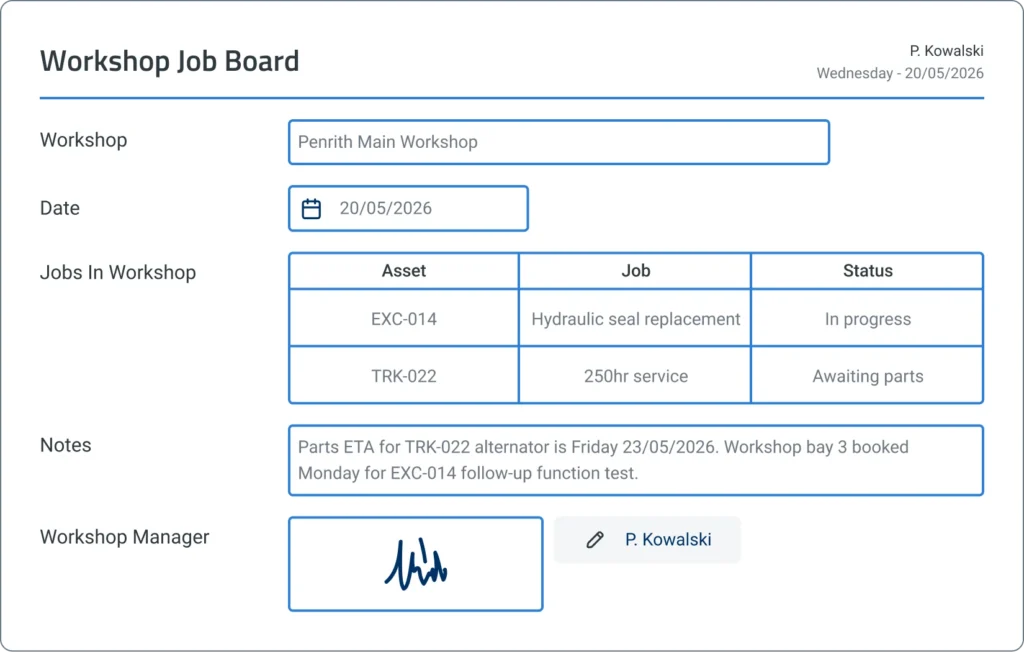
See what's due, close out work orders, log parts and time. Every record builds the service history of the asset.
The asset lifecycle
Every stage of asset management, linked to the asset
Spreadsheets, generic apps, and paper work orders that don't talk to each other. Gearbelt runs every stage through one connected system instead.

Stage 1:
Register
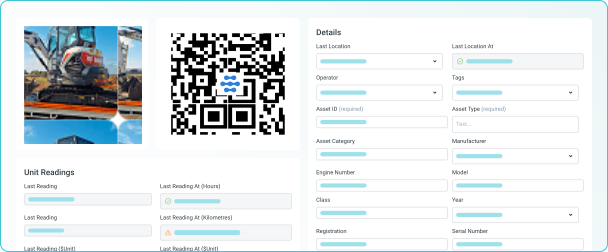
Asset Register
One source of truth for every asset
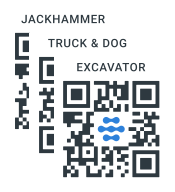
QR-coded mobile access
Work at the asset, not the desk
- Scan the asset to access its record on mobile
- Pre-starts, fault reports, inspections, work orders all from the same QR
- Every submission auto-tied to the asset, no mistyped IDs
Stage 2:
Inspect
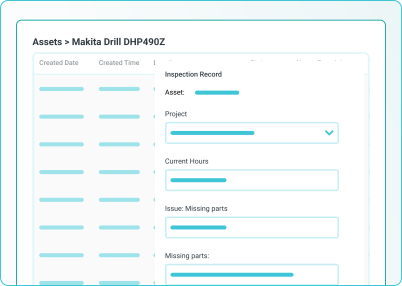
Inspections
Pre-starts, daily checks, statutory tests.
Stage 3:
Schedule
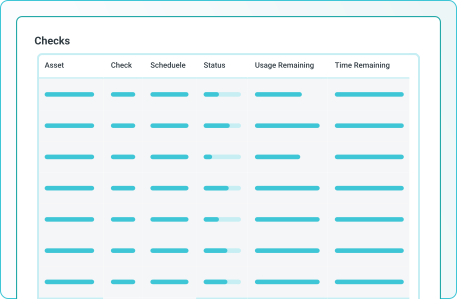
Maintenance Scheduling.
By hours, mileage, runtime, or custom usage.
Stage 4:
Maintain
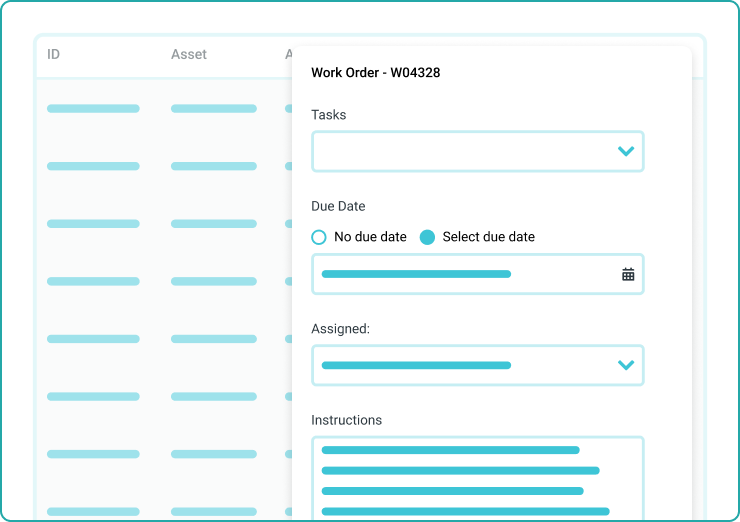
Work Orders
Assigned, tracked, signed off
Stage 5:
Report
Dashboards & Compliance
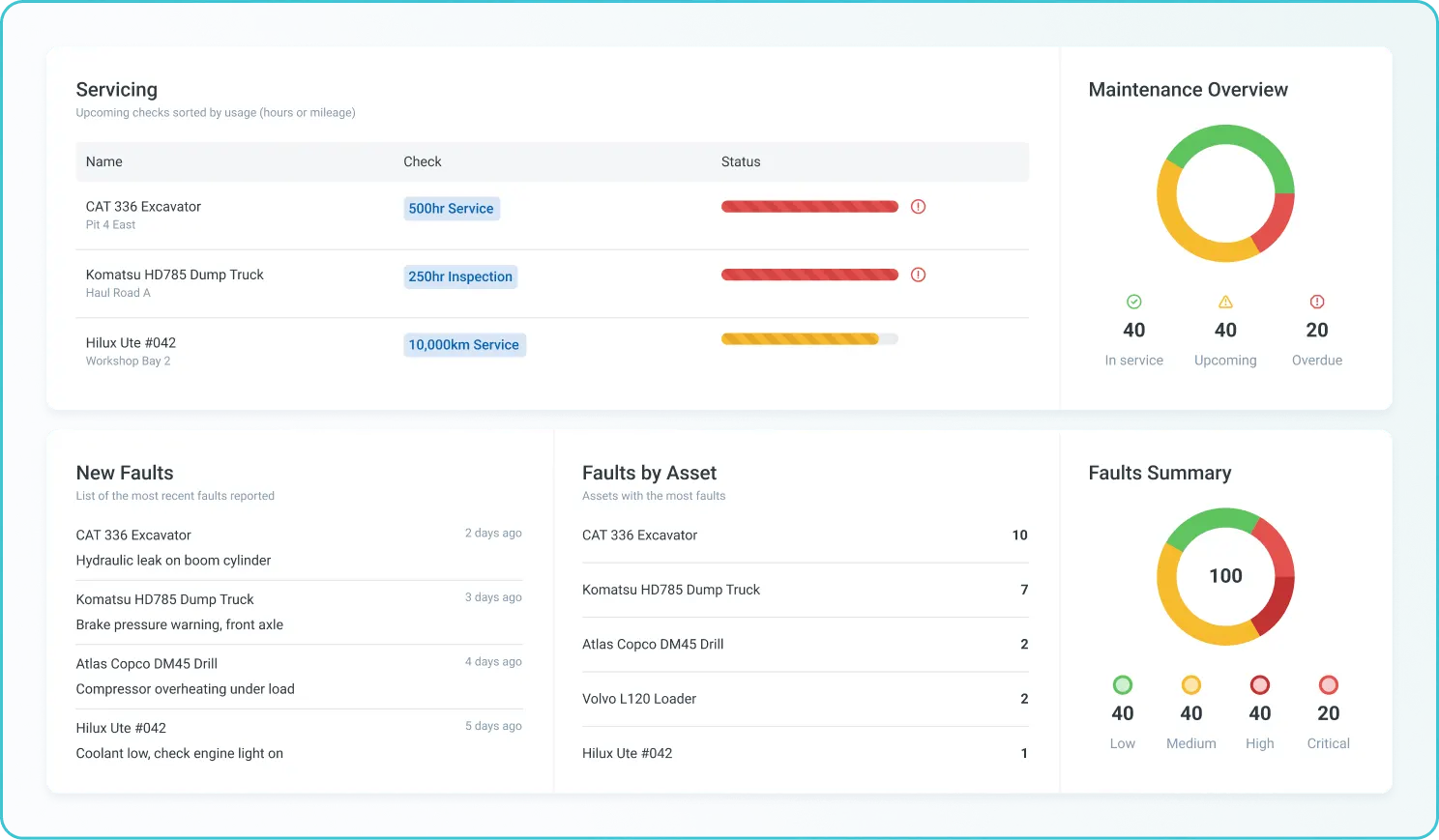
The live fleet view
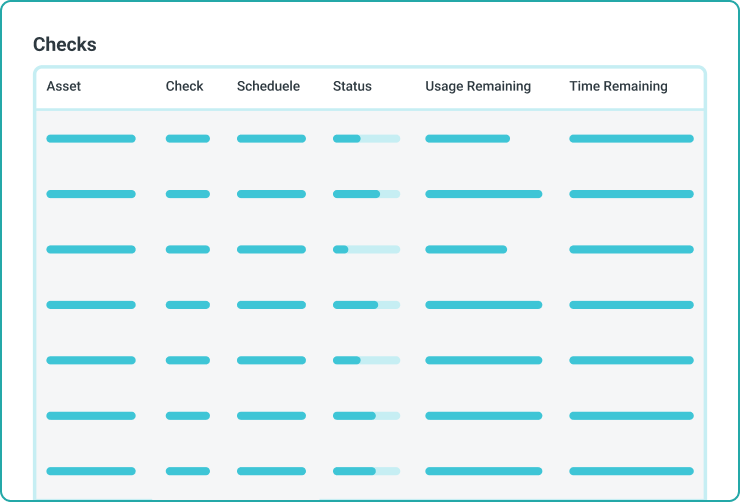
- Live view of inspections due, services overdue, open faults and work orders
- Compliance status by asset, drillable down to source records
- Audit-ready exports in seconds
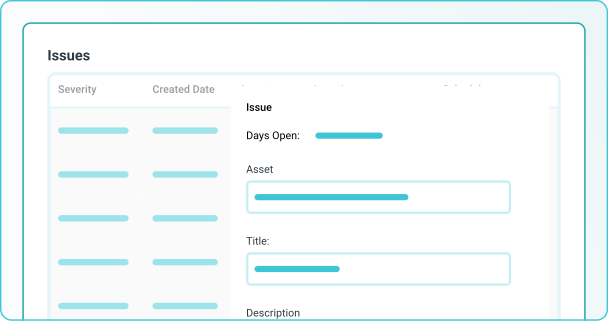
Fault Reporting
Operators report at the source
USE CASES
The workflows teams run on Gearbelt


Customer story
How Burton replaced paper logs with one connected asset register
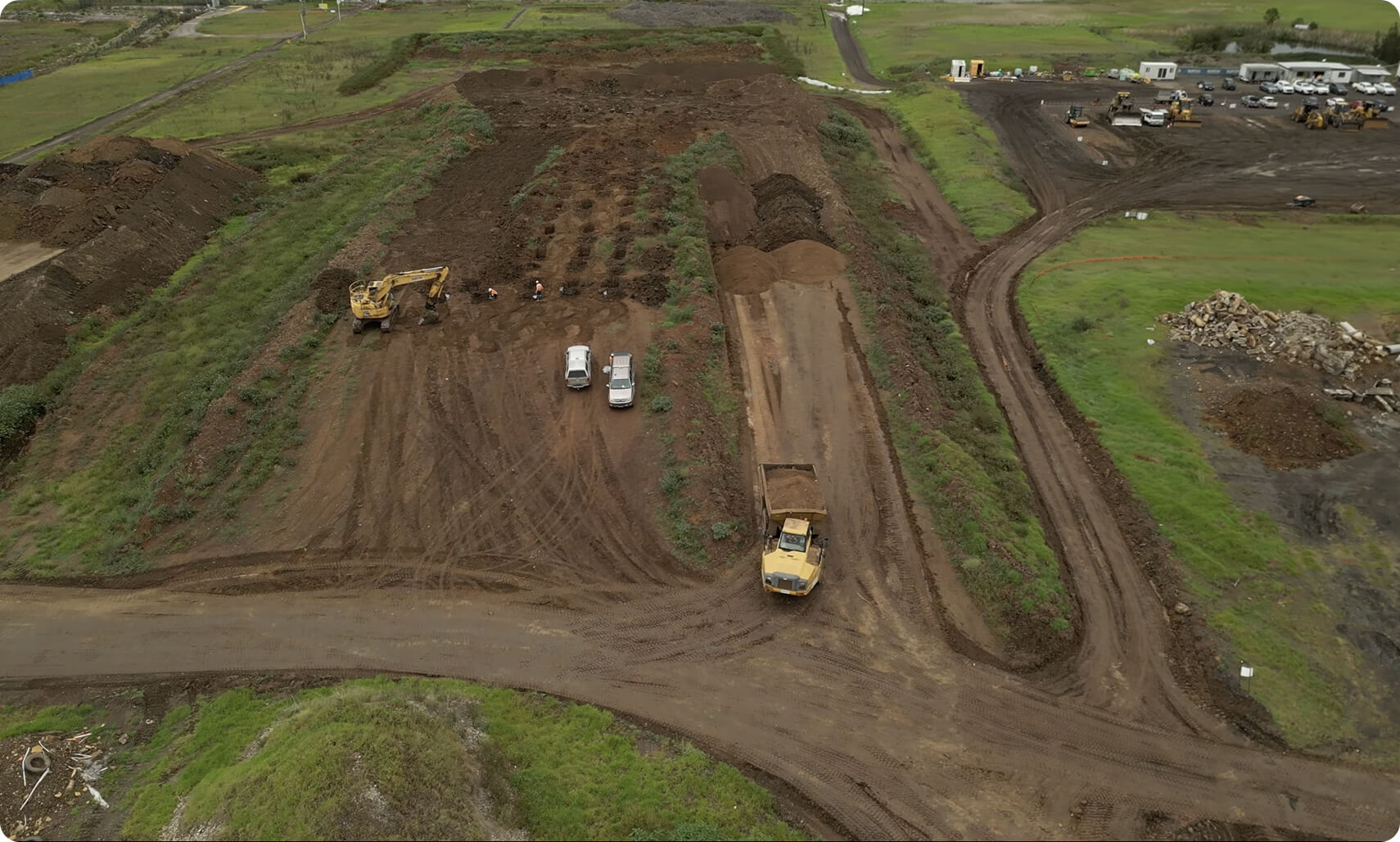
Burton, a civil engineering contractor with a 100-machine fleet, replaced spreadsheets and paper logs with one connected register. Maintenance went from reactive to planned.
"This automated asset management program has reduced my admin time by a good 80%."
Rhys Thomas — CFO
80% less
Time on fleet management admin
1-2 days/month
Saved on maintenance tracking


Security & compliance
Asset compliance, automatically
Every inspection, service, and fault report is timestamped, signed, and tied to the asset. Compliance status is live on the dashboard. Audit prep takes minutes, not weeks.
Comparison
Gearbelt vs spreadsheets and paper logs
Where asset records live
How operators access records
Maintenance triggers
Faults to work orders
Asset history
Compliance evidence
One register for every asset class
Scan the QR on the asset itself
Hours, mileage, runtime, calendar, or custom units
Fault reports flow straight into work orders
Every form, fault, service, and work order linked to the asset
Audit-ready by default, exports in seconds
Spreadsheets and paper
Spread across files, folders, and people
Office visit, paperwork, manual lookup
Calendar reminders, often missed
Reported manually, often delayed
Reconstruct from files and memory
Compile manually for audit
How to set up your fleet
From sign-up to QR-scanning your first asset in four steps
No IT support, no consulting fees. Most teams are running pre-starts on day one.
Build your asset register
Import your existing asset list or build it manually. Pick the asset types and add the fields each one needs.
Configure schedules and forms
Choose from off-the-shelf pre-starts, inspections, and service forms. Set the schedules by hours, mileage, calendar, or custom usage.

Print and place QR codes
Each asset gets a QR code on the machine. Operators and mechanics scan to access everything they need.
Start capturing
Pre-starts, fault reports, services, and work orders all flow into Gearbelt automatically. Dashboards stay live the whole time.
Frequently asked questions
How is Gearbelt priced?

What does Gearbelt cover?
How is Gearbelt different from spreadsheets or paper?
How is Gearbelt different from generic fleet management tools?
Is Gearbelt standalone, or does it work alongside other Sitemate products?
Are there limits on assets, inspections, or work orders?
What does Storm do in Gearbelt?
Where does the human stay in control?
How long does it take to set up Gearbelt?
Does Gearbelt work on mobile and offline?
Who in my team would use Gearbelt?
Does Gearbelt integrate with other systems?
 English (United States)
  English (Australia)
  English (UK)
  English (New Zealand)
  English (South Africa)
  German