
Time & Materials
Time and materials records that finish before knock-off
Crews clock on, materials get delivered, and supervisors run the job like they always have. Now the timesheets, dockets, and daywork records draft themselves, ready for review and sign-off.


Powered by Storm
Voice notes, photos, and crew check-ins become completed records, automatically.
Built in Dashpivot
One platform for time and materials, safety, quality, field reporting, and inductions.
Works offline
Capture hours, materials, and deliveries on-site with the mobile app, even without internet.
Audit-ready
Every record is timestamped, geotagged, and signed for accurate billing and payroll.
Trusted by companies, projects and teams of all sizes
















What is a Time and Materials Management System?
A time and materials management system is how site teams track and document hours worked, materials used, and deliveries across a project, from timesheets and dockets to daywork records and proof of delivery.
T&M software brings it into one place: records captured on-site as work happens, hours and materials tied to the right job, and accurate data flowing into payroll and billing.
Why use a Time and Materials Management System
Accurate billing and payroll
Hours, materials, and deliveries are tied to the right job the moment they happen. No more weekend data entry or disputed timesheets.
Reduce billing and payroll disputes
Defensible records, timestamped, GPS-stamped, and signed, turn "we said, you said" into "here's the evidence".
Real-time cost visibility
Project managers see crew costs and materials used as the job progresses. Catch overruns before they become invoicing problems.
Faster invoicing cycle
Approved timesheets and dockets flow straight to billing. Days off the invoicing cycle, not weeks.
Stay audit-ready
Every record is signed, timestamped, and linked to the right job. Audit trails are ready before the auditor asks.
Reduce admin overhead
Foremen, supervisors, and payroll teams stop chasing paper. The records arrive ready to action.
Every time and materials workflow, powered by AI, controlled by your team
From timesheets and dockets to daywork and proof of delivery, here's how teams use Dashpivot to run their time and materials workflows. AI handles the documentation. Your team stays in control.
Timesheets and Time cards
Timesheets fill themselves from clock-on and clock-off data with GPS verification. No more paper chase, no more disputed hours.
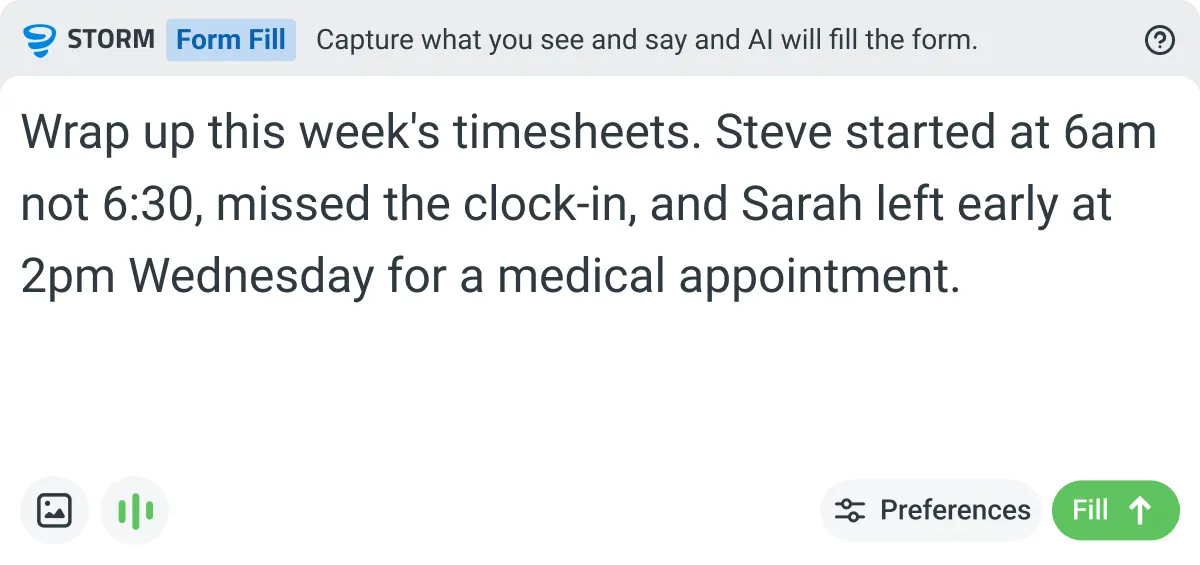
Captured at clock-on and clock-off
Workers clock in and out on mobile or tablet. GPS confirms location, hours are recorded automatically.
Calculated from real activity
Total hours, overtime, and break deductions are calculated automatically based on the recorded times.
Reviewed and approved for payroll
The supervisor reviews each entry, applies any adjustments, and approves before timesheets flow to payroll.

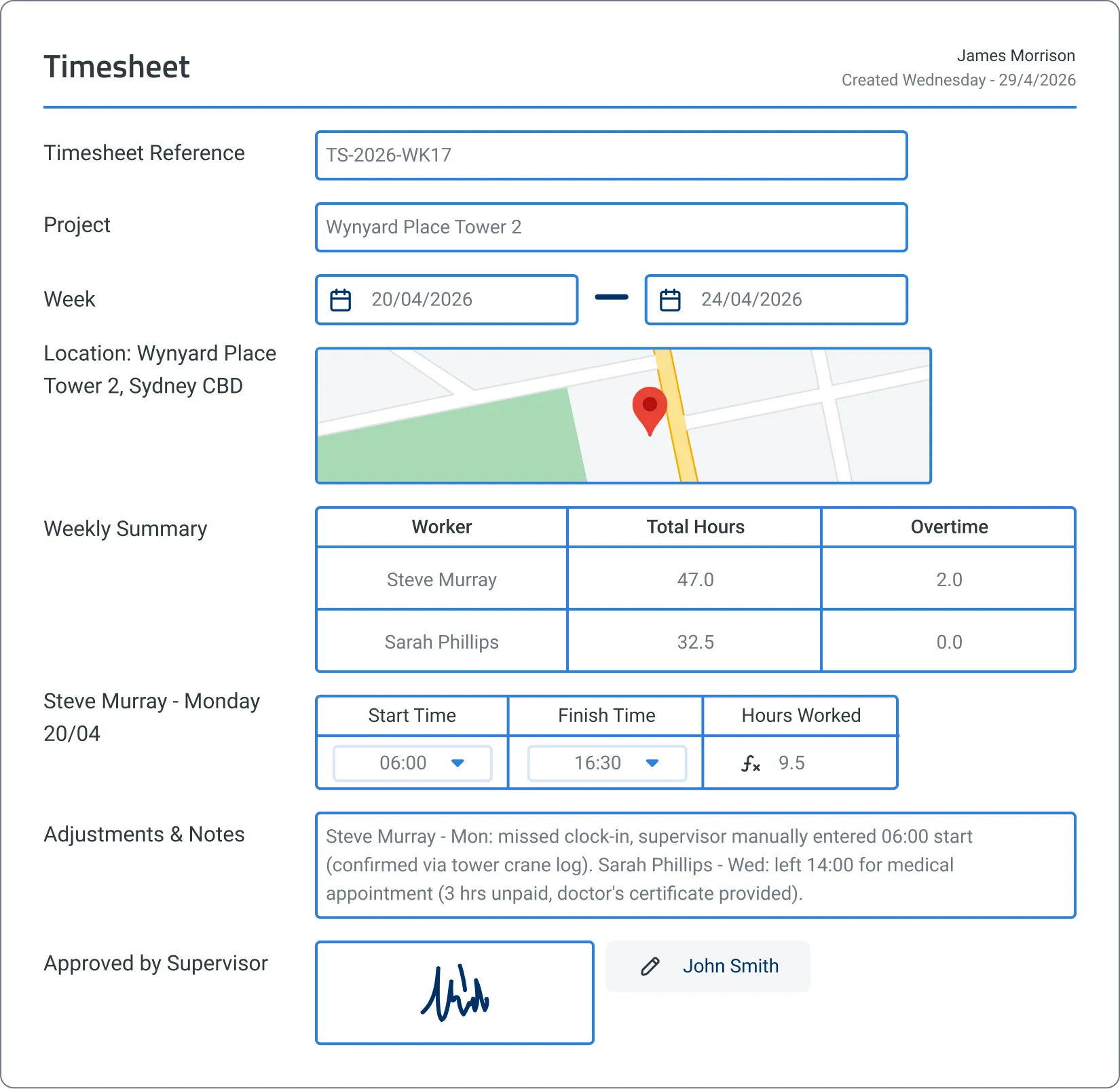
Daywork Sheet
Daywork records draft themselves from voice notes, photos, and crew check-ins throughout the shift. No more scraps of paper, no more billing disputes.
Captured as the work happens
Voice notes, photos, and crew check-ins are logged throughout the shift, structured chronologically.
Hours, materials, and rates extracted
Crew names, hours, rates, and material quantities are mapped to the right fields with cost calculations applied.
Approved before invoicing
The supervisor reviews crew hours, work descriptions, and cost calculations, then signs off. The record flows to billing.
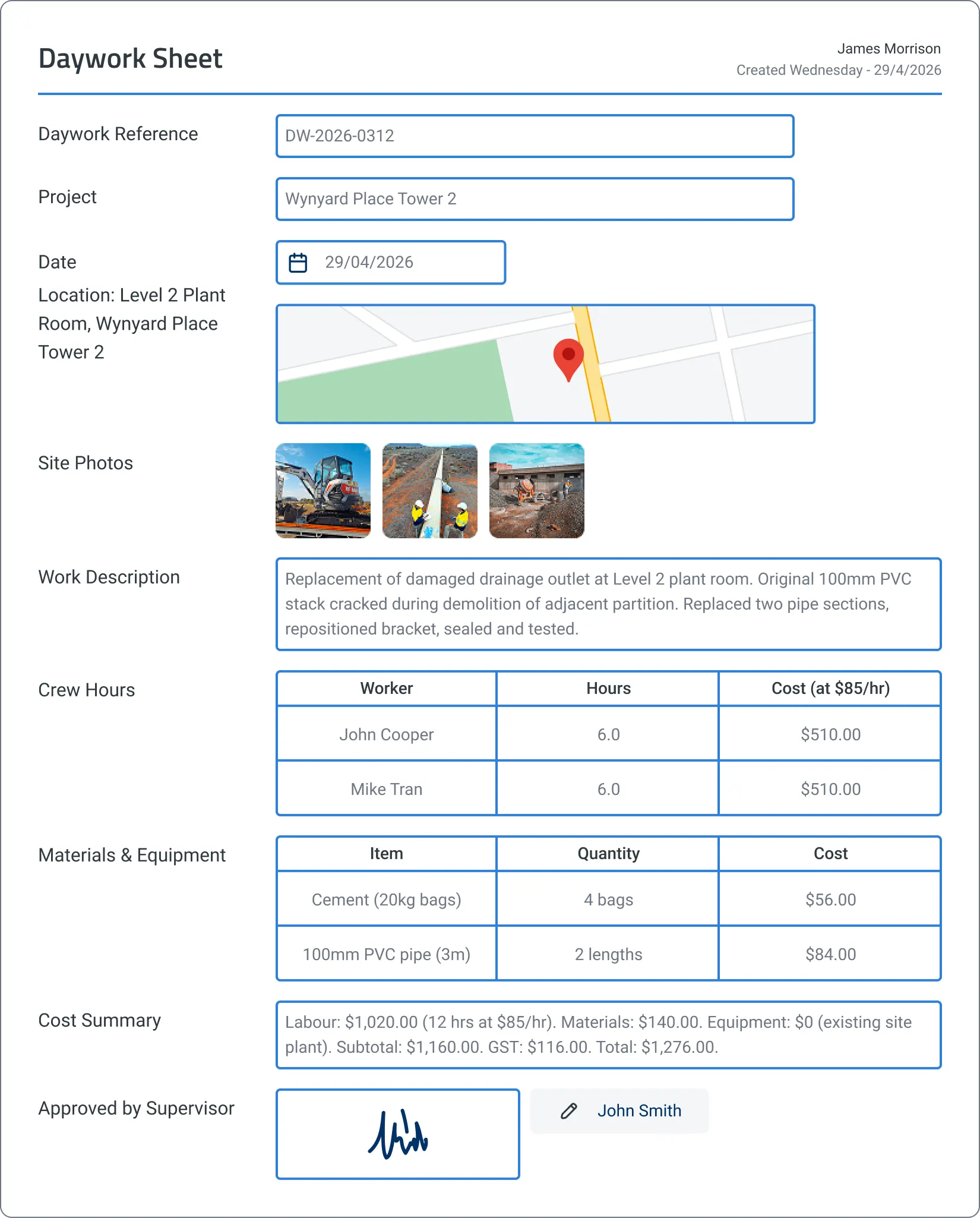
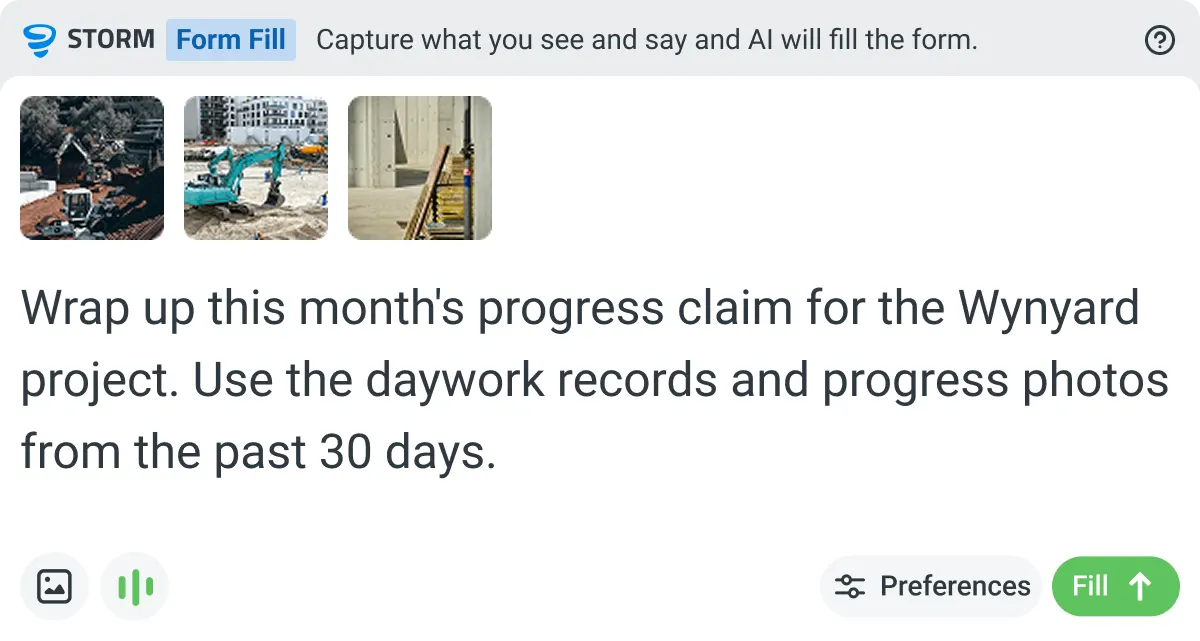
Dockets and Field Tickets
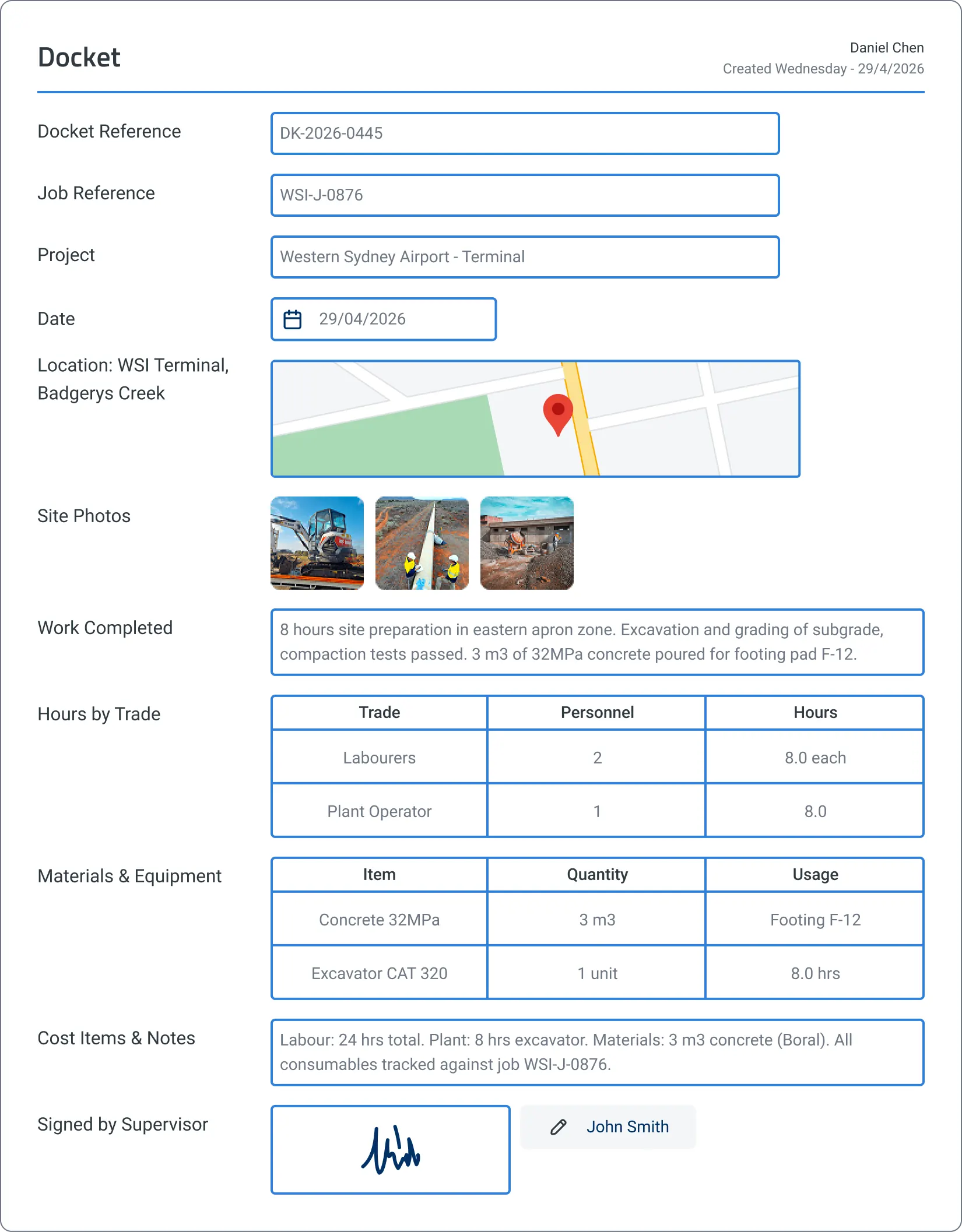
Dockets draft themselves from crew check-ins, material logs, and progress photos throughout the shift. No more end-of-shift paperwork rush, no more disputed payroll.
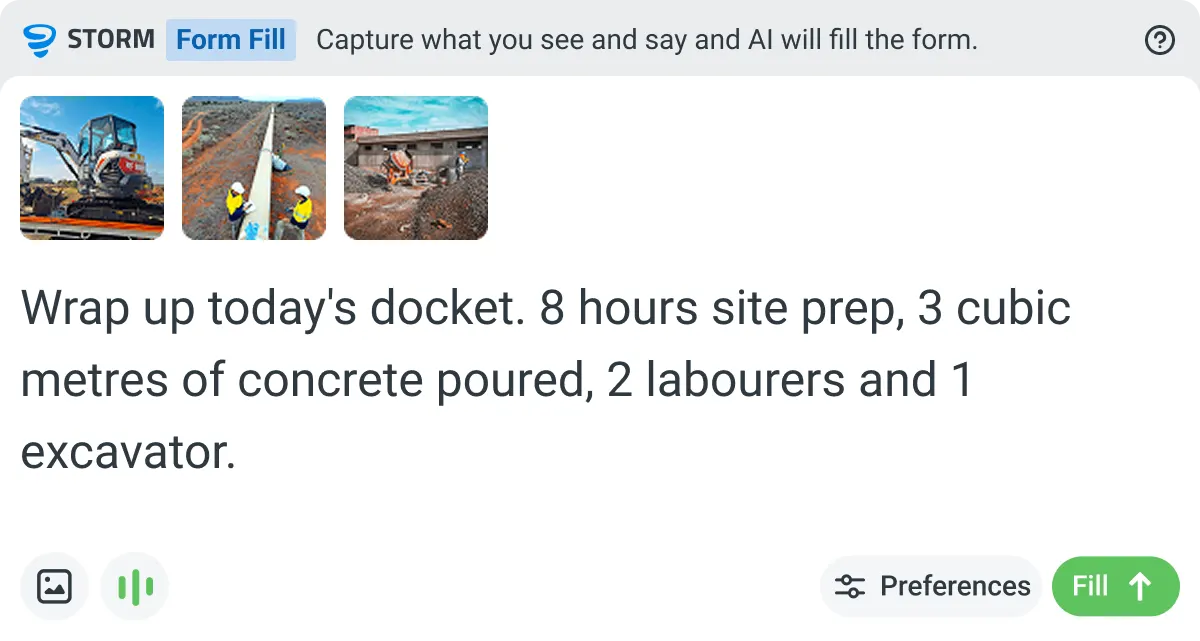
Captured throughout the shift
Crew check-ins, material logs, and progress photos are captured throughout the shift automatically.
Mapped to the right fields
Hours by trade, materials consumed, equipment used, and work completed are populated from the recorded activity.
Signed off before knock-off
The supervisor reviews and approves the docket before leaving site. No paperwork at the end of a long day..
Proof of Delivery
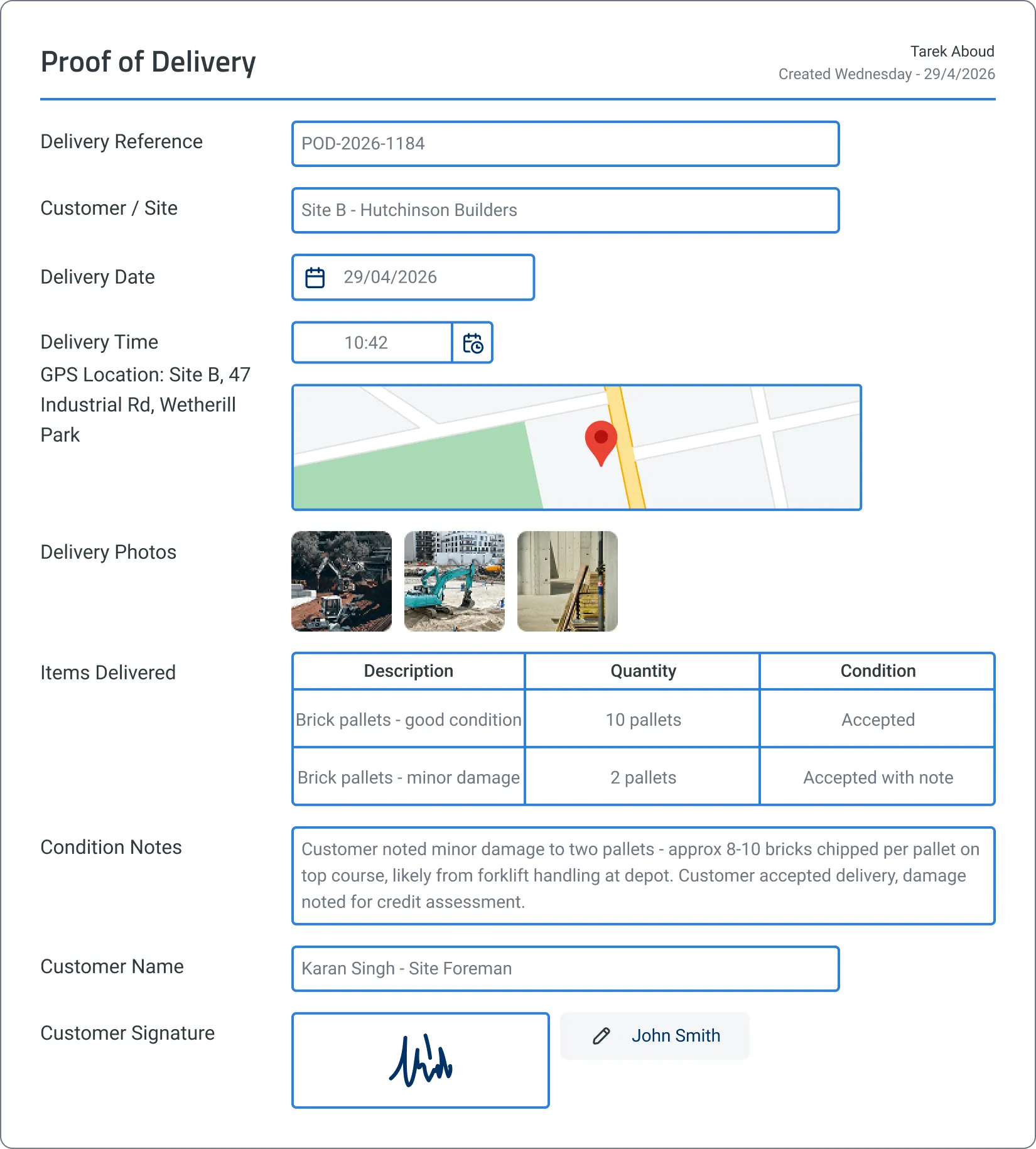
Delivery records get captured at the door with photos, GPS, and digital signature. No more lost paperwork, no more illegible signatures.
Captured at the point of delivery
Photos of the goods and drop-off location are captured on the driver's device, with GPS and timestamp logged automatically.
Extracted from voice notes
Item descriptions, quantities confirmed, and condition notes are mapped from the driver's voice note.
Signed off before the next stop
The customer signs digitally on the driver's device. The complete record flows into the system before the next delivery.
Enterprise time and materials. Governed, auditable, billable from day one.
Don't let AI run riot on critical financial records. Sitemate gives enterprise teams the governance and control they need: workspace, template, field, and cell level AI control, full auditability, and deep integration into existing payroll and ERP systems.
Workspace-level AI control
Control where AI drafts, where humans review, and where sign-off is required. Set guardrails at the workspace, template, field, and cell level.
Full audit trail
Every timesheet, docket, and delivery record is timestamped, signed, and traceable. Payroll disputes and billing claims are backed by real evidence.
Central oversight, local execution
Head office sees real-time crew costs and materials used across every project. Site teams capture records their way, within the boundaries you set.
Integration into existing systems
Connect to payroll, ERP, accounting, and BI tools via Flowsite. Time and materials data flows into your existing systems without manual re-entry.
Access controls and permissions
Role-based permissions at every level. Control who can create, edit, approve, and export time and materials records.
Scalable rollout
Deploy to one site or one thousand. Mobile-first design means crews adopt it on day one.


“Instead of spending 5 days on data entry, it's now just ad hoc time, checking the data coming in electronically”
– Rhys Thomas, CFO at Mulgoa Quarries

Streamline your time and materials operations
Site teams shouldn't have to choose between running the job and capturing the costs. The Time and Materials Management System captures records as the work happens, so supervisors stay focused on crews while payroll and billing get the data they need.
Geo-tagged check-ins
Verify location for compliance and payroll accuracy.
Crew-based entry
Supervisors can log time for entire crews, ideal for construction or shift work.
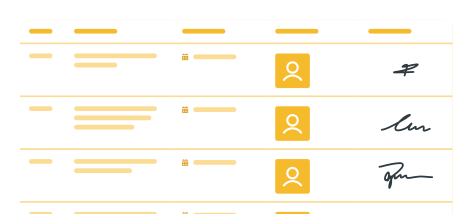
Quick sign-in with a scan
Workers use the free digital ID on the Sitemate mobile app to log attendance instantly. Every entry is time-stamped, location-stamped, and stored automatically.
Personal log for every worker
Each worker has a history of their timesheet and attendance submissions, making it easy to see what's been logged and when.

Mobile-first time capture
Record attendance and hours from any device, even when offline, using mobile or tablet.
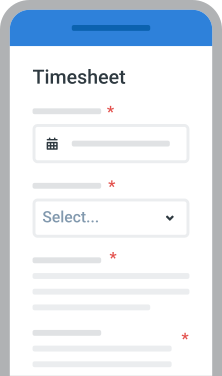
Central records
Store all attendance, timesheet, and daywork data in one secure platform.

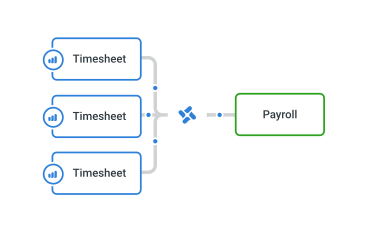
Export for payroll
Send approved timesheets directly to payroll or HR systems via Flowsite's no-code integration.
Custom approval workflows
Route time entries to managers for quick sign-off.

Automated time and materials tracking
Connect the time and attendance data captured in Dashpivot with your finance, accounting, and HR software, eliminating manual data entry. Off-the-shelf integrations with Xero, QuickBooks, Power BI, and more, or connect to any software via open API.
Connect your time and materials data to the rest of your business
Time and materials records shouldn't live in a silo. Flowsite allows you to connect your data to the tools your business already runs on, from plug-and-play integrations to full programmatic access.
Flowsite Integrations
Push time and materials data from Dashpivot into payroll, ERP, and accounting tools with no-code integrations. Connect in minutes with drag-and-drop configuration, no developers required.
Open API
Build custom integrations and pull time and materials data directly into your own systems. Full programmatic access for teams that want complete control over how data moves.
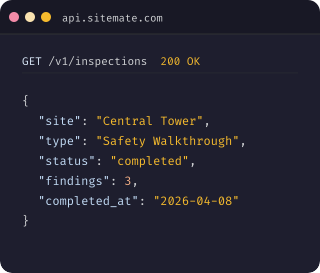
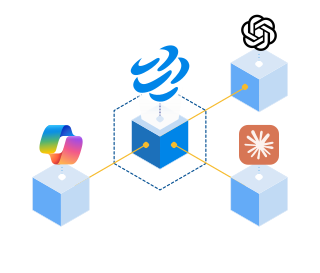
Sitemate MCP (Model Context Protocol)
Connect your time and materials data to AI tools like ChatGPT, Claude, and Copilot. MCP gives external systems structured, read-access to your Dashpivot data with proper authentication and permissions.
See how Sitemate has helped companies like yours improve their time and materials systems

Infrastructure
AM1 Projects
“I would thoroughly recommend using Dashpivot, it makes our life so much easier here.”
Infrastructure
T&W Civil Engineering
“The reason we really clicked with Dashpivot is how user-friendly it is for the site.”
Infrastructure
Mulgoa Quarries
“It's much easier with the formulas to remember what you did during the day. You don't have to sit there and calculate it, it does it all for you.”
Infrastructure
Mulgoa Quarries
“It's much easier with the formulas to remember what you did during the day. You don't have to sit there and calculate it, it does it all for you.”
How to set up a Time and Materials System using Dashpivot
Get your team from sign-up to billable records in six steps. AI Templates build the structure, Storm drafts the records, and your team stays in control.

Start with Dashpivot
Choose Dashpivot as your time and materials platform. The T&M Management System sits inside Dashpivot alongside Safety, Quality, Field Reporting, and Custom, so timesheets and daywork records share approvals, data, and governance with the rest of your operation.
- Workspace setup
- User invites
- Project structure
- Role-based access
Generate templates with AI Templates
Describe the time and materials document you need (timesheet, daywork sheet, docket, proof of delivery) and AI Templates builds the structured digital template in seconds, with rate cards, cost codes, and formulas mapped in.
- Prompt examples
- Rate cards
- Cost codes
- Approval chain
Import existing documents
Already have your own timesheets, daywork sheets, or dockets? Upload your Word, Excel, or PDF and AI Templates converts them into smart digital templates, keeping your fields, formulas, and approval flow intact.
- File formats (Word, Excel, PDF)
- Field mapping review
- Rate calculations
- Signature points
Configure your T&M workflows
Add smart fields, formulas for overtime and breaks, conditional logic, and role-based permissions. Set up crew-based entry, GPS verification, and clock-on QR codes. Every template can be tailored to match your billing terms and approval flow.
- Overtime and break formulas
- Crew-based entry
- QR clock-on
- Role-based access
Storm fills records as work happens
Crews clock on with QR scans, supervisors record voice notes for daywork and material deliveries, and photos capture proof of delivery. Storm transcribes, maps content to the right fields, and drafts the record. Your supervisor reviews and approves before anything reaches payroll or billing.
- QR clock-on
- Voice notes for daywork
- Delivery photos
- Approval roles
AI controls and governance
Set guardrails at the workspace, template, field, and cell level. Control where Storm operates and where humans must approve. Every AI-drafted record is clearly marked and fully traceable, so payroll and billing always have a defensible trail.
- Workspace-level controls
- Template permissions
- Field-level rules
- Audit trail
Comparison: Digital system vs Legacy Systems
When records happen
How records are created
Data entry time
Cost visibility
Billing and payroll disputes
Proof of delivery
As the work happens, on-site
Drafted from voice notes, photos, and clock-in data
Minutes reviewing and approving records
Real-time across every job and crew
Resolved instantly with timestamped, signed records
Photo, GPS, digital signature at point of handover
Legacy
At end of shift or week, often from memory
Manual typing from handwritten notes
Days of weekly data entry into payroll
Common, with no clear evidence trail
Lost dockets, illegible signatures
Frequently asked questions
What does the Time and Materials Management System cover?

Is the Time and Materials Management System standalone, or does it work alongside other Sitemate components?
What does a typical time and materials workflow look like?
Are there regional variations of common time and materials documents?
What does Storm do in the Time and Materials Management System?
Where does the human stay in control?
Does the system support payroll compliance and audit requirements?
How does the system handle audit trails for billing?
How long does it take to set up the Time and Materials Management System?
Can we tailor the system to match our existing time and materials processes?
 English (United States)
  English (Australia)
  English (UK)
  English (New Zealand)
  English (South Africa)
  German