RIDDOR Gas Incident Report Form Template

Start with a free 30-day trial. No credit card required.
Want a RIDDOR Gas Incident Report that's ready to go but still easy to adapt? This template comes pre-built with all the fields needed to record gas-related incidents and meet RIDDOR requirements, laid out in a structured format that makes the sequence of events clear from the start. That structure also supports better investigations, root cause review, and the development of control measures to help prevent future incidents. You can edit any part of it to match how your company handles incident reporting, and the report will still hold up against the RIDDOR requirements you'd be assessed on.
This RIDDOR Gas Incident Report is an easy-to-use form that your workers can use to quickly record gas-related incidents, complete all required fields in just a few taps, generate a compliant report, and give investigators the clear, structured information they need to review root causes and put the right controls in place.
 100% fully editable RIDDOR Gas Incident Report Form
Export your RIDDOR Gas Incident Report Form to PDF or CSV
Access your RIDDOR Gas Incident Report Form on mobile, tablet or computer


Trusted by companies, projects and teams of all sizes















What is RIDDOR Gas Incident Report Form?
A RIDDOR Gas Incident Report Form is a structured document used to record and report gas-related incidents in compliance with the Reporting of Injuries, Diseases and Dangerous Occurrences Regulations (RIDDOR) in the UK. Incidents usually involve gas leaks, explosions, fires, carbon monoxide exposure, or other dangerous gas-related occurrences that could threaten health and safety.
Preview this RIDDOR Gas Incident Report Form and compare to typical Word & Excel versions
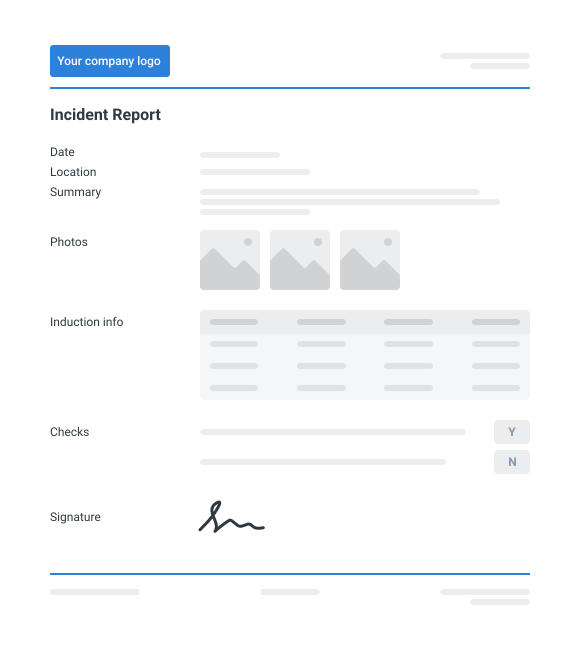
Curious how this RIDDOR Gas Incident Report works? Check out the example below to see exactly what a completed report looks like, from the incident details through to root cause and control measures. You can generate your own version in a few clicks, export it as a custom form with your company details, and fill in the relevant information to have a ready-to-use RIDDOR Gas Incident Report in a matter of minutes.
Use this RIDDOR Gas Incident Report Form template for free

Generate this template automatically with Storm
You don't have to build the RIDDOR Gas Incident Report Form field by field. Let Storm, the AI Data Capture Agent inside Dashpivot, build the template for you in seconds.
Describe what you need
Tell Storm the form you want in plain language and it builds a structured digital template from scratch, with fields, tables, and signatures in place.
Upload what you already use
Drop in your existing PDF, Word, Excel, or even a photo of a paper form. Storm rebuilds it as a smart digital template with the structure intact.
 Storm
Storm
Generate a RIDDOR Gas Incident Report Form form template that I can use for my business
Applicable Standards and Policies for RIDDOR Gas Incident Report Form
RIDDOR Gas Incident Report Form under RIDDOR in the UK is typically governed by the following safety regulations and industry standards that focus on protecting workers and the public.
- RIDDOR (Reporting of Injuries, Diseases and Dangerous Occurrences Regulations)
- Health and Safety at Work Act
- Gas Safety (Installation and Use) Regulations
- HSE reporting requirements for dangerous gas incidents
- Workplace health and safety management systems
In summary, these regulations require, for compliance, gas incidents to be formally reported, documented, and investigated to prevent recurrence.
Staff Members and Parties that use RIDDOR Gas Incident Report Form
Every member involved plays a role to make sure that gas incidents are reported accurately and addressed accurately, and immediately. Members like:
- Gas engineers or technicians
- Site supervisors or facility managers
- Health and safety officers
- Incident investigators
- Compliance or regulatory officers
- Operations managers
- External safety regulators or authorities
Business Risks Reduced by RIDDOR Gas Incident Report Form
A consistent and structured RIDDOR Gas Incident Report Form supports faster response to gas incidents and stronger safety oversight. Without a proper structure, the key risks are:
- Failure to report legally required gas incidents
- Incomplete or inaccurate incident documentation
- Delays in investigating hazardous events
- Recurrence of preventable gas incidents
- Non-compliance penalties or regulatory action
- Poor safety communication between teams
Business Opportunities Created by RIDDOR Gas Incident Report Form
Overtime, proper recording of RIDDOR reports helps teams identify patterns and implement preventive controls. Teams can benefit like:
- Better understanding of gas-related hazards and stronger workplace safety
- Improved preventative maintenance strategies and safety procedures
- Enhanced incident investigation processes, and evidence during audits and inspections
- Evidence during audits and inspections
Best Practices in Completing a RIDDOR Gas Report
Record the Incident Promptly
- Record the incident immediately after
- Include the time, location, and people involved
- Ensure details are accurate while the event is still fresh
Use Clear and Factual Descriptions
- Describe what happened using clear, factual language, no assumptions or opinions
- Only on observable events and conditions
Include Evidence and Verify Details
- Attach photos or other supporting evidence where available
- Document any injuries or exposures
- Verify appliance or equipment identification details
Importance of RIDDOR Gas Reporting
Gas reporting (RIDDOR compliant) plays an important role in maintaining safety and regulatory compliance within gas-related operations like installation of gas systems, maintenance, gas leak detection, commissioning, or decommissioning.
Proper documentation helps authorities, inspectors, and regulatory bodies understand the cause of incidents, identify potential hazards, and prevent similar events from occurring in the future.
Prerequisites for creating a RIDDOR Gas Incident Report Form
Proper preparation for a RIDDOR Gas Report makes sure that once filled out, the contents are accurate, complete, and fully compliance with the reporting requirements.
Before creating a RIDDOR Gas Incident Report Form, make sure that the following should be prepared and are in place.
- Incident details are confirmed — date, time, location, and a clear description of what happened.
- Safety measures have been taken — the area has been made safe and any immediate risks have been addressed.
- Relevant personnel are identified
- Reporting responsibility is assigned
-
Step 1: Set up the Basic Information Section
- Add fields for incident date and time
- Include site or property address details
- Add a field for the location of the incident within the site
- Include a brief incident description field
-
Step 2: Add Sections for People/Witnesses and Safety Impact
- Create fields for names and roles of people involved
- Add a section for injuries or health impacts
- Include a field for witnesses or additional personnel present
-
Step 3: Include Gas Equipment and Incident Details
- Add fields for appliance or equipment type
- Include equipment identification details (model, serial number, asset ID)
- Add fields describing the gas issue (leak, malfunction, exposure, ignition)
- Include a section for immediate actions taken
-
Step 4: Include Gas Equipment and Incident Details
- Add fields for appliance or equipment type
- Include equipment identification details (model, serial number, asset ID)
- Add fields describing the gas issue (leak, malfunction, exposure, ignition)
- Include a section for immediate actions taken
-
Step 5: Evidence and Review Fields
- Include an option to upload photos or supporting evidence
- Add a section for corrective actions or follow-up measures
- Create a review/sign-off field for a responsible supervisor
- Include a field to confirm submission to the relevant authority if required
Frequently asked questions
How to create your RIDDOR Gas Incident Report Form in an App or Software System
A well-designed digital RIDDOR Gas Incident Report Form process ensures that key details, evidence, and corrective actions are recorded in a structured format that can be easily reviewed and shared.
30 minutes
Easy difficulty
-
Step 1: Map the flow of the report
- Define the sections, who creates it
- Decide whether the flow needs approvals (supervisor, HSE, other authority figure)
-
Step 2: Set smart controls
- Set required fields for important items like date, time, location, appliance/equipment ID, summary, etc.)
- Make use of conditional logic to only show questions when the answer is relevant
- Use lists, dropdowns, multiple choice for standard data
-
Step 3: Add follow-ups using actions
- Assign owners and due dates to track tasks
- Manage accountability and set notifications
About the author

Jam Tanga-An
Content Engineering Manager
 LinkedIn
Education
Cebu Institute of Technology - University - Mechanical Engineering
Bio
Jam is a multi-disciplinary engineering professional and content marketer with hands-on experience across the construction and manufacturing verticals, operating to industry standards, and testing and compliance requirements. They apply their engineering background across core functions including Health and Safety, Quality, Design, Production and Construction, and Operations, ensuring consistency and compliance across projects and content.
Past Projects
High-rise building developmentMEPF Engineer Intern primarily supporting the design, coordination, and implementation of the building’s wastewater treatment system, while also contributing to multidisciplinary MEPF coordination and on-site implementation.
Product engineering and manufacturing projectHardware Engineer responsible for product design, testing, packaging, and transport of user-facing proprietary electromechanical systems, including cost-reduction analyses and improvement initiatives across the product lifecycle
Shipping test and compliance operationsShipping Test Laboratory In-Charge overseeing destructive and performance testing of products, transport documentation, data analysis, regular machine maintenance, while managing end-to-end testing procedures and technical reporting
Industrial machinery R&D project end-to-end machine designContributed to the full engineering lifecycle of bespoke industrial cutting machineries from concept design, 3D models, manufacturing drawings, to fabrication, supported by Finite Element Analysis (FEA) for structural validation
Version History:
Related apps and templates
Incident Report Software
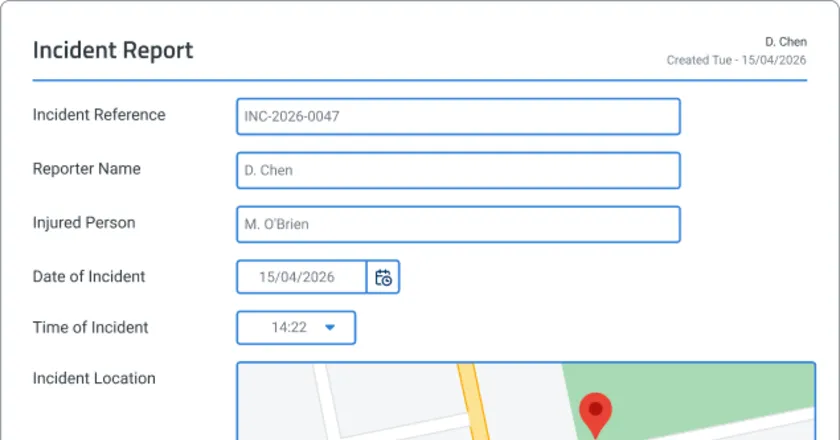
Incident report software that captures photos, voice recordings & witness statements on-site. Submit compliant reports in minutes, not hours. See how
View app

Chemical Risk Assessment Template
This free Chemical Risk Assessment Template is readily available to quickly and easily manage your next chemical risk assessment. The downloadable form is designed to help you accurately record every detail and is a
View template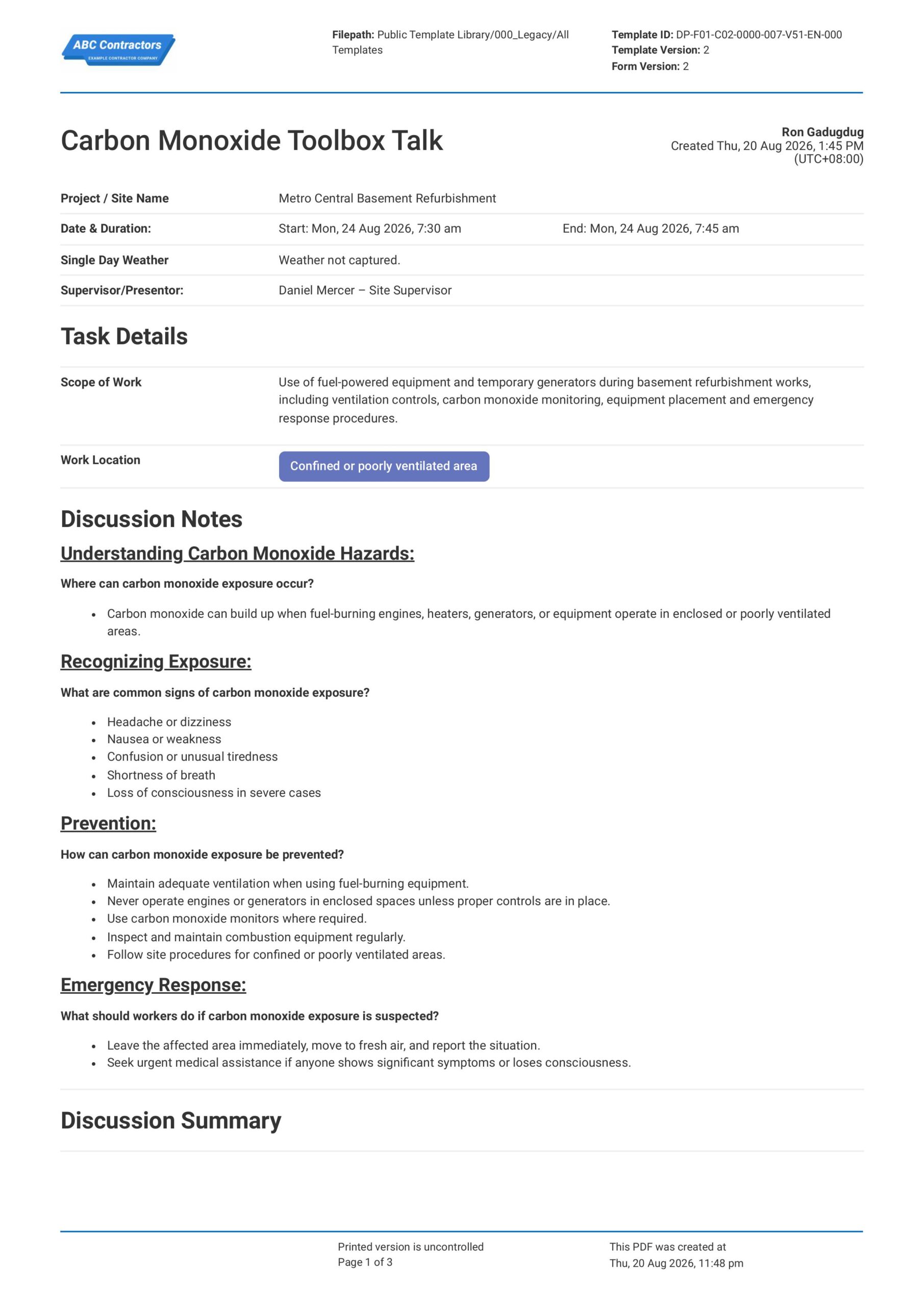
Carbon Monoxide Toolbox Talk
This Carbon Monoxide Toolbox Talk is an easy-to-use form that your workers can use to discuss carbon monoxide hazards, exposure symptoms, and safe work practices before starting work around fuel-burning tools, heaters,
View templateThis incident report was generated with Dashpivot software
- Access, edit and complete your RIDDOR Gas Incident Report Form from any device - mobile, tablet or computer.
- Print, download or send your RIDDOR Gas Incident Report Form as perfectly formatted PDF documents with your company logo.
- Store your RIDDOR Gas Incident Report Form securely online, where they can be searched and found in seconds
- Invite internal and external parties to see, edit and sign off on RIDDOR Gas Incident Report Form online.