Field Reporting
Field reporting that documents the day, not the desk
Supervisors describe the day, take photos, and brief crews like they always have. Now the daily reports, handovers, and site diaries draft themselves, ready for review and sign-off.


Powered by Storm
Voice notes, photos, and site context become completed field records, automatically.
Built in Dashpivot
One platform for field reporting, safety, quality, inductions, and timesheets.
Works offline
Capture field data on-site with the mobile app, even without internet.
Audit-ready
Every record is timestamped, geotagged, and signed for full project history.
Trusted by companies, projects and teams of all sizes
















What is a Field Reporting Management System?
A field reporting management system is how site teams document daily work on a project, from daily reports and site diaries to shift handovers and progress updates.
Field reporting software brings it into one place: records captured on-site, photos and weather attached automatically, and a traceable project history.
Why use a Field Reporting Management System
Build defensible project history
A field reporting system captures every shift, every condition, and every milestone. When disputes arrive, the evidence is there.
Capture context as the work happens
Photos, weather, crew numbers, and progress get logged at the source rather than reconstructed from memory days later.
Strengthen variation and claim defensibility
Daily reports and site diaries are often the only record of what actually happened. A field reporting system makes them defensible.
Real-time project visibility
Clients, project managers, and head office stay in the loop without chasing supervisors for updates.
Reduce supervisor admin burden
Site supervisors spend less time on end-of-day paperwork, more time running the job.
Scale reporting consistency
One reporting system means consistent format, terminology, and detail across every project, site, and shift.
Every field workflow, powered by AI, controlled by your team
From daily reports and site diaries to shift handovers and progress updates, here's how teams use Dashpivot to run their field reporting. AI handles the documentation. Your team stays in control.
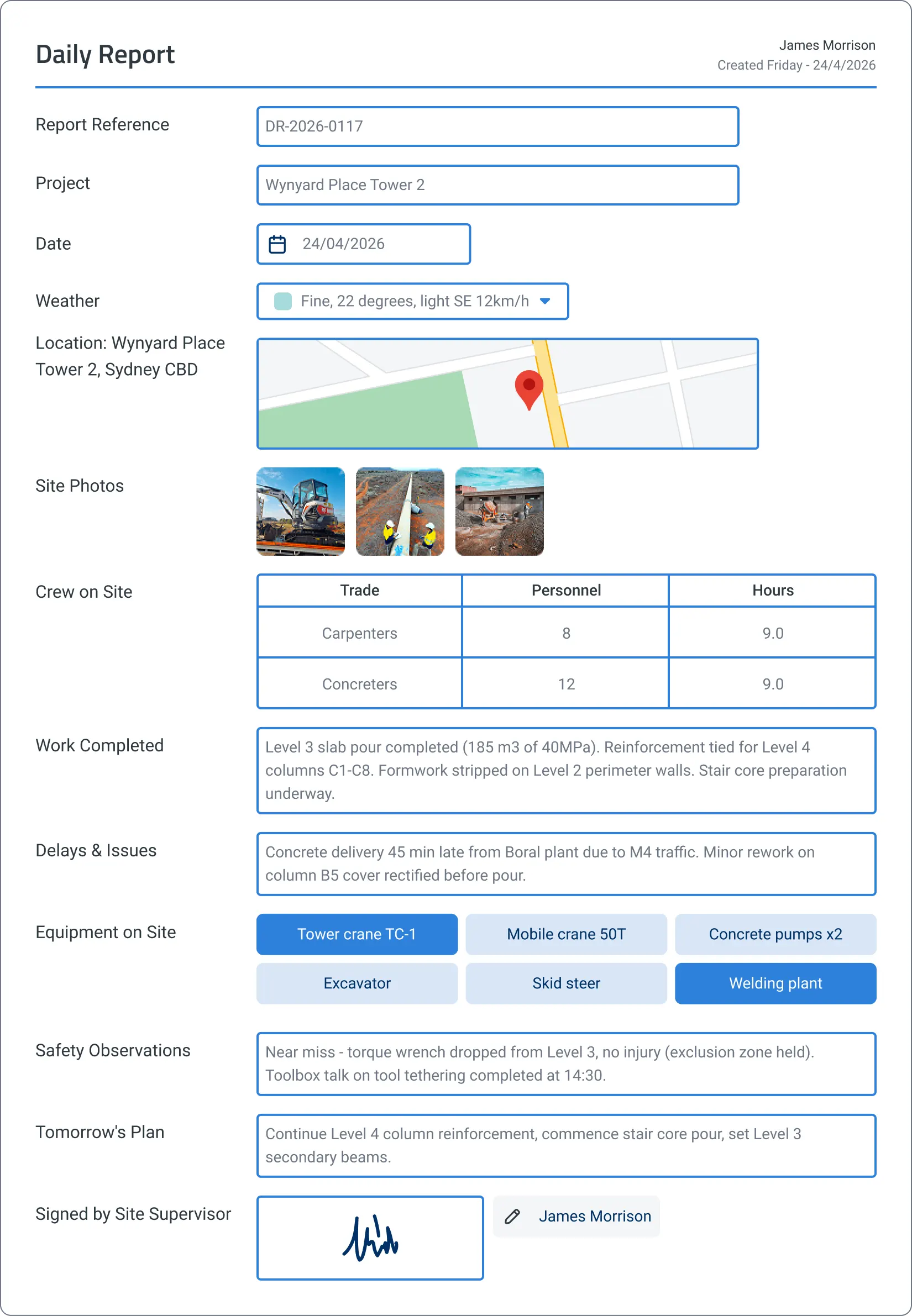
Daily Report
Daily reports draft themselves from weather, crew check-ins, and progress photos throughout the day. No more late-night paperwork, no more reports filed from memory.
Weather and site data captured throughout the day
Weather pulls automatically from device location and timestamp. Crew check-ins, equipment on site, and progress photos are logged as the day unfolds.
Transcribed from voice notes
Voice descriptions of work completed, delays, and issues are mapped into the right report sections.
Reviewed and submitted at day's end
The supervisor reviews the drafted report, adds tomorrow's plan, and submits. No staying back for paperwork.

Site Diary
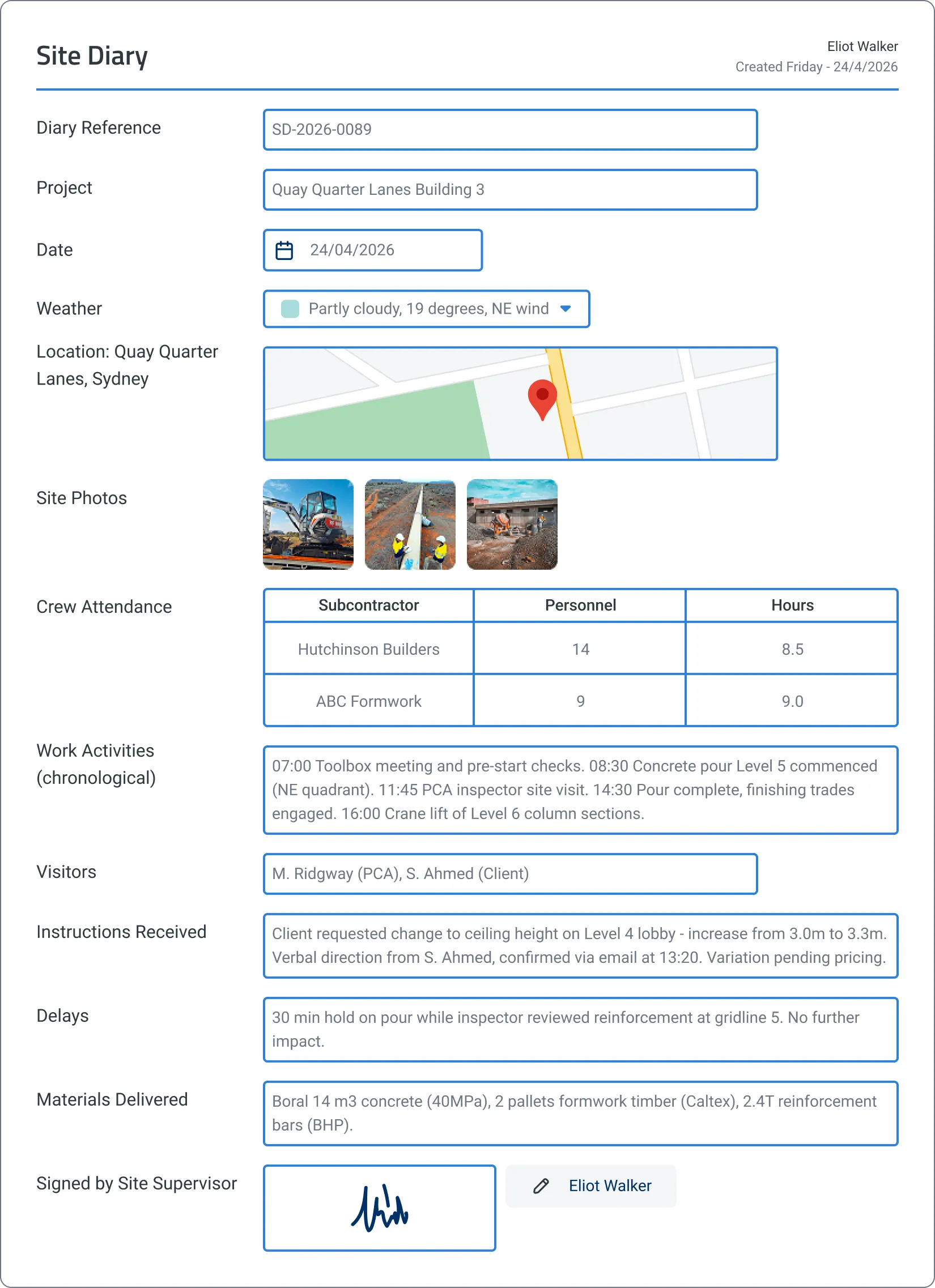
Site diaries build themselves from photos, voice notes, and weather captured throughout the day. No more writing from memory, no more lost details.
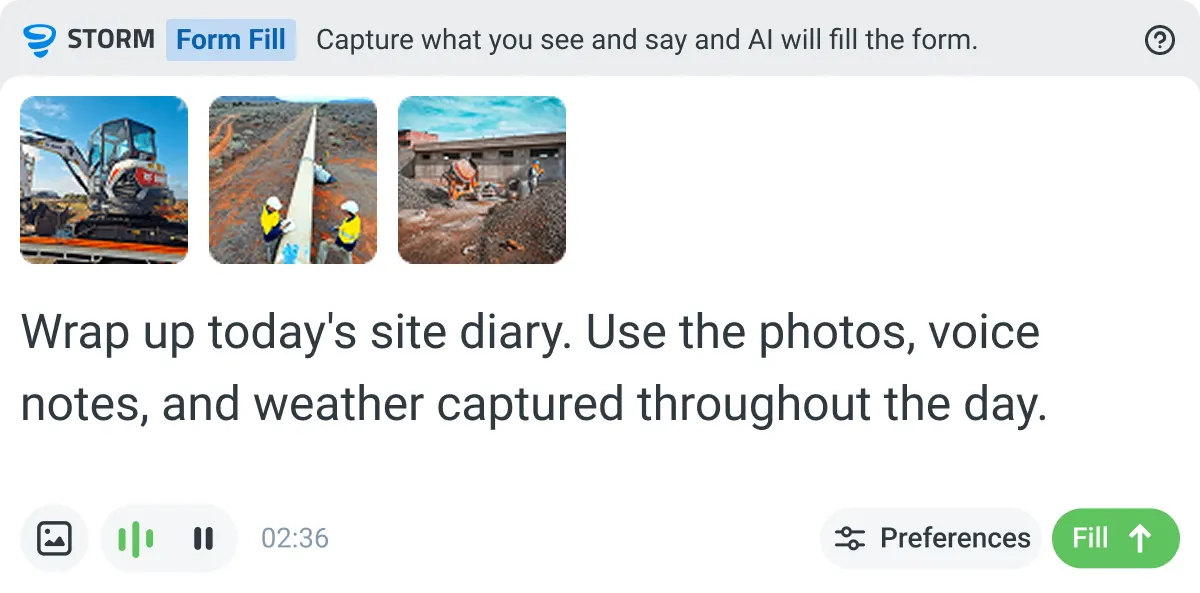
Weather and site activity captured throughout the day
Photos, voice notes, weather, crew movements, and visitor check-ins are logged as they happen, structured chronologically.
Transcribed from supervisor notes
Voice notes about decisions made, instructions received, and issues encountered are mapped to the correct diary sections.
Signed off before heading home
The supervisor reviews the drafted diary, adds context, and approves. A complete daily record exists without the end-of-day paperwork rush.
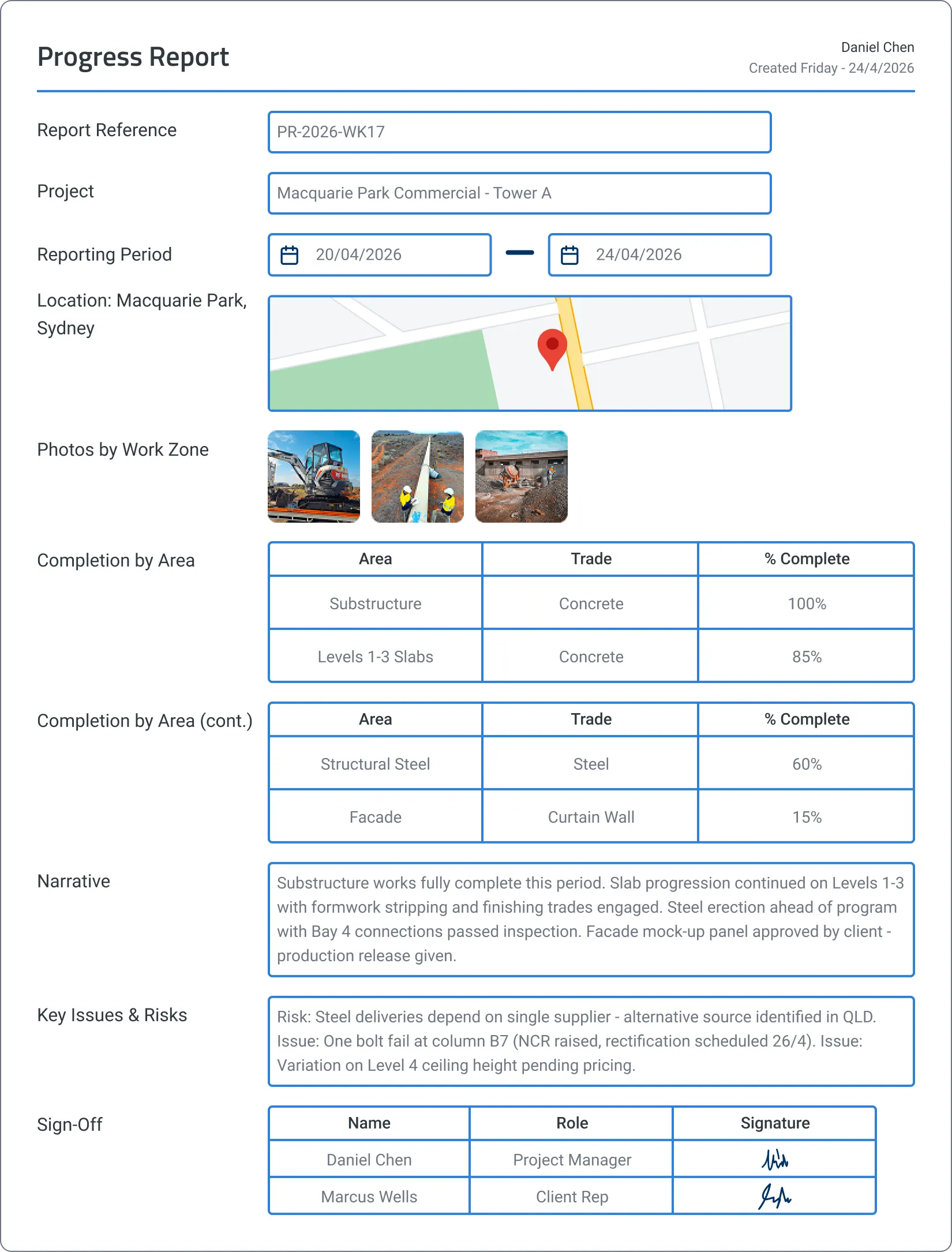
Progress Report
Progress reports compile themselves from daily site activity and supervisor notes. No more end-of-week scrambles, no more guessed completion percentages.
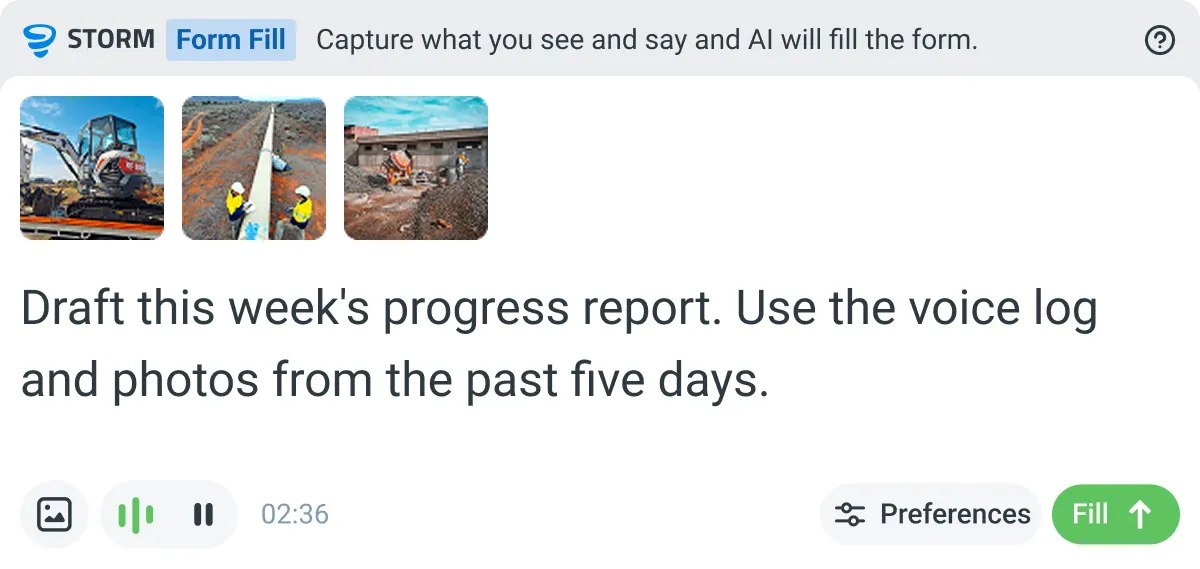
Compiled from daily activity
Voice notes, photos, and crew check-ins captured across the reporting period flow into the report automatically.
Transcribed from supervisor input
Voice notes on completion status, key issues, and risks are mapped to the right report sections.
Reviewed before client submission
The project manager adjusts completion percentages, adds context about delays or changes, and approves before submitting.
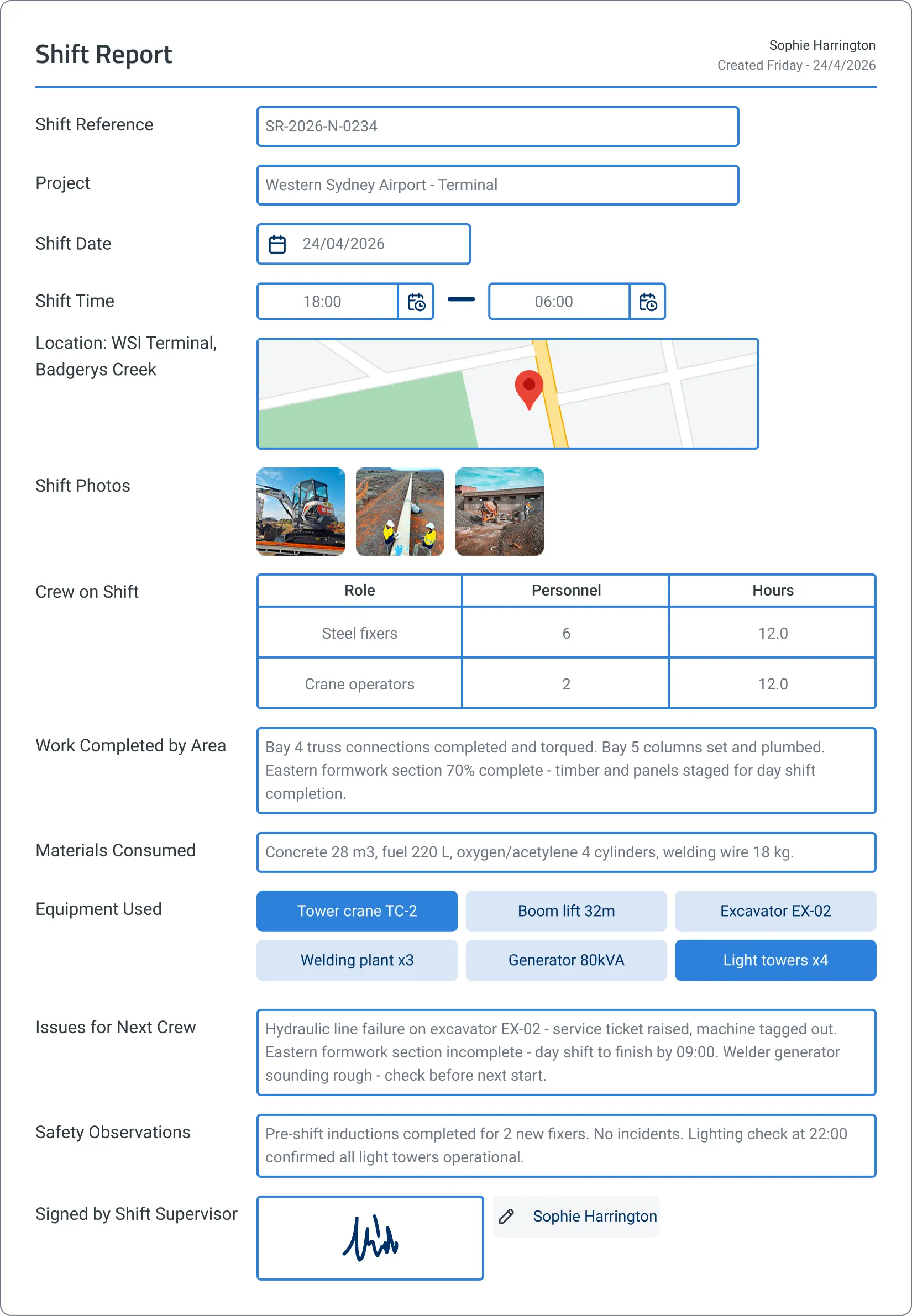
Shift Report
Shift reports draft themselves from progress photos, voice notes, and logged activities throughout the shift. No more rushed handovers, no more missing context for the next crew.
Captured during the shift
Progress photos, materials used, equipment on site, and crew activities are captured during the shift automatically.
Transcribed from voice notes
Voice descriptions of work completed, issues encountered, and safety observations are mapped to the report.
Handed over before knock-off
The supervisor adds notes about the next shift's priorities and signs off. The incoming crew gets full context without anyone staying late.
Enterprise field reporting. Governed, auditable, compliant from day one.
Don't let AI run riot on critical project records. Sitemate gives enterprise teams the governance and control they need: workspace, template, field, and cell level AI control, full auditability, and deep integration into existing systems.
Workspace-level AI control
Control where AI operates at the workspace, template, field, and cell level. Project-critical records get the configuration they need.
Full audit trail
Every record shows what was auto-populated, what was manually entered, and who approved it. Complete traceability for variation claims and disputes.
Central oversight, local execution
Align reporting across every project while allowing local teams to adapt to site conditions. Regional dashboards roll up to enterprise-wide visibility.
Integration into existing systems
Connect to SharePoint, Power BI, and custom APIs via Flowsite. Field data flows into your existing systems without manual re-entry.
Access controls and permissions
Role-based permissions at every level. Control who can create, edit, approve, and export field records.
Scalable rollout
Deploy to one site or one thousand. Mobile-first design means crews adopt it on day one.

“Not having a piece of paper correct can mean the difference between a legal claim or a $300,000 loss.”
Clint - Senior Project Manager at JVS

Streamline your field reporting
Field teams shouldn't have to choose between managing the work and documenting it. The Field Reporting Management System captures records as the day unfolds, so supervisors stay focused on running the job while keeping head office and clients in the loop.
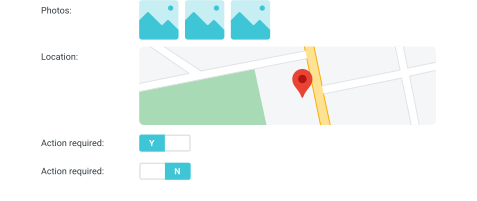
Location capture
Capture GPS, date, and timestamp from any mobile device. Strengthen every field record with verifiable location data.
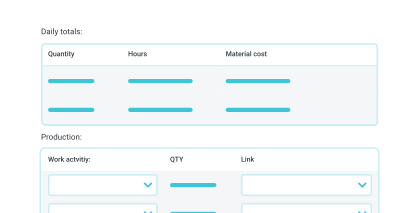
Number and formula fields
Automate calculations for costs, work hours, and quantities with smart number and formula fields.
One-scan access via QR code
QR code posters on-site let crews open the right form instantly, with no need to visit the site office first.

Mobile-first data capture
Record data from any device with the mobile app, even without an internet connection.
Structured templates
Tailor daily logs, site diaries, and shift reports to your needs. Reuse the format across teams and projects.

Weather capture
Capture weather automatically at the time and place of inspection. Temperature, wind, rain, and conditions are locked into the record.
Photo and video attachments
Add images and videos to reports for better context and richer field records.


PDF and CSV exports
Share polished, audit-ready exports with clients and stakeholders in seconds.
Real-time notifications
Keep teams updated on submitted reports, assigned actions, and items needing review.

Audit-ready field records
Sitemate captures every field record with timestamps, geolocation, and digital signatures. Daily reports, site diaries, and progress updates are preserved for variation claims, disputes, and contract close-outs. Project history is traceable from the moment work happens.
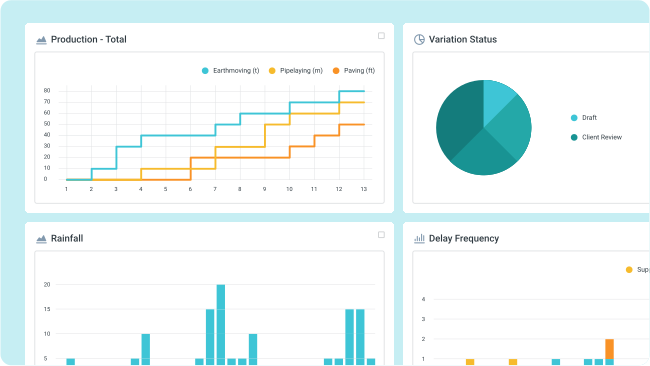
Connect your field data to the rest of your business
Field records shouldn't live in a silo. Flowsite allows you to connect your field data to the tools your business already runs on, from plug-and-play integrations to full programmatic access.
Flowsite Integrations
Push field data from Dashpivot into your other business tools with no-code integrations. Connect in minutes with drag-and-drop configuration, no developers required.
Open API
Build custom integrations and pull field data directly into your own systems. Full programmatic access for teams that want complete control over how data moves.
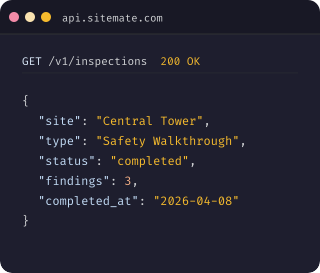
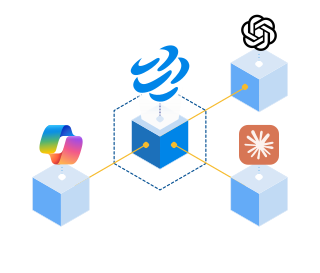
Sitemate MCP (Model Context Protocol)
Connect your field data to AI tools like ChatGPT, Claude, and Copilot. MCP gives external systems structured, read-access to your Dashpivot data with proper authentication and permissions.
See how Sitemate has helped companies like yours improve their field reporting

Energy & Resources
Snowy Hydro
“It saves time, it’s efficient, it stores all the information you need for good project management.”
Infrastructure
Great Southwestern Construction
“I can determine where the more critical work is taking place. I know where I need to be and where I'll be most supportive of my crews.”
Infrastructure
JVS Industrial
“We select the guy’s name, their phone number automatically pops up. The job number already pops up depending on the job they’re assigned to.”
Infrastructure
JVS Industrial
“We select the guy’s name, their phone number automatically pops up. The job number already pops up depending on the job they’re assigned to.”
How to set up a Field Reporting System using Dashpivot
Get your team from sign-up to capturing field records in six steps. AI Templates build the structure, Storm drafts the reports, and your team stays in control.

Start with Dashpivot
Choose Dashpivot as your field reporting platform. The Field Reporting Management System sits inside Dashpivot alongside Safety, Quality, Time and Materials, and Custom, so reports share approvals, data, and governance with the rest of your operation.
- Workspace setup
- User invites
- Project structure
- Role-based access
Generate templates with AI Templates
Describe the field report you need (daily report, site diary, shift report, progress report, dilapidation report) and AI Templates builds the structured digital template in seconds, with weather, crew, and progress fields mapped in.
- Prompt examples
- Weather and crew fields
- Progress tracking
- Approval chain
Import existing documents
Already have your own daily report, diary, or shift handover formats? Upload your Word, Excel, or PDF and AI Templates converts them into smart digital templates, keeping your fields, sections, and approval flow intact.
- File formats (Word, Excel, PDF)
- Field mapping review
- Client-specific fields
- Signature points
Configure your reporting workflows
Add smart fields, conditional logic, approval chains, and role-based permissions. Set up auto-populated weather, GPS stamps, and crew check-in fields. Every template can be tailored to match your terminology and client requirements.
- Weather and GPS auto-fields
- Conditional logic
- Approval routing
- Role-based access
Storm fills records as work happens
Supervisors record voice notes, take photos, and log progress through the day. Storm transcribes, maps content to the right report fields, and drafts the report. Your project manager reviews and approves before anything is signed off.
- Voice notes
- Photo prompts
- Review workflow
- Approval roles
AI controls and governance
Set guardrails at the workspace, template, field, and cell level. Control where Storm operates and where humans must approve. Every AI-drafted record is clearly marked and fully traceable.
- Workspace-level controls
- Template permissions
- Field-level rules
- Audit trail
Comparison: Digital system vs Legacy Systems
Most safety teams already know paper and spreadsheets aren't cutting it. Here's what changes when you move to a digital safety management system.
When reports happen
How reports are created
Supervisor time
Client visibility
Project history
Variation claim evidence
Drafted from voice notes, photos, and live site data
Real-time dashboards and automated reports
Full searchable record across every project
Photo and timestamped record from the day
Legacy
At the end of the day, often from memory
Manual typing from handwritten notes
30 to 60 minutes per day on paperwork
Weekly emails or chase-ups for updates
Folders, filing cabinets, lost emails
Scrambled compilation under time pressure
Frequently asked questions
What does the Field Reporting Management System cover?

Is the Field Reporting Management System standalone, or does it work alongside other Sitemate components?
What does a typical field reporting workflow look like?
Are there regional variations of common field reports?
What does Storm do in the Field Reporting Management System?
Where does the human stay in control?
Does the Field Reporting Management System support contract compliance and audit requirements?
How does the system handle audit trails for project documentation?
How long does it take to set up the Field Reporting Management System?
Can we tailor the system to match our existing reporting processes?