Tools and Equipment
Tools and equipment management built for the field
Track every hand tool, machine, and piece of equipment from check-out to return. QR-coded check-ins, photo-based inspections, and a single register that shows where everything is.

Built for the built world
Purpose-built for tool sheds, yards, and equipment crews. Not a generic asset tool.
Built in Gearbelt
One mobile-first system for hand tools, power tools, equipment, and heavy machinery.
QR-coded check-in/out
Scan an asset to check it out, log condition, and create the handover record.
Works offline
Capture check-outs, inspections, and condition reports, even without internet.
Trusted by companies, projects and teams of all sizes















What is a tools and equipment management system?
A tools and equipment management system tracks every asset across an operation, from hand tools through to heavy equipment. It records who has what, where it is, when it was last inspected, and what condition it's in.
Gearbelt brings check-in/check-out, location tracking, inspections, and maintenance scheduling into one mobile-first system designed for site-based teams.
Why use Gearbelt to manage your tools and equipment
Built for the field
Manage hand tools, power tools, equipment, and machinery in a single mobile-first system designed for site-based teams.
Eliminate lost tools
Every tool is tracked from check-out to return. Site managers know who has what without chasing paperwork or rummaging through tool sheds.
All asset types in one place
One register for hand tools, power tools, equipment, and stationary assets. Service history, inspections, and condition reports all linked to the asset.
Real-time visibility
See what's checked out, what's available, and what's due back. No spreadsheets, no whiteboards, no morning briefings spent figuring out who has the impact driver.
Compliance made easy
Every check-out, inspection, and condition report is timestamped, signed, and audit-ready. Build the chain of custody your industry requires.
Scalable for any operation
Handle one tool shed or hundreds of yards across multiple regions. Mobile-first design means crews are productive on day one.
Common Tools and Equipment Use cases

Streamline your tools and equipment management
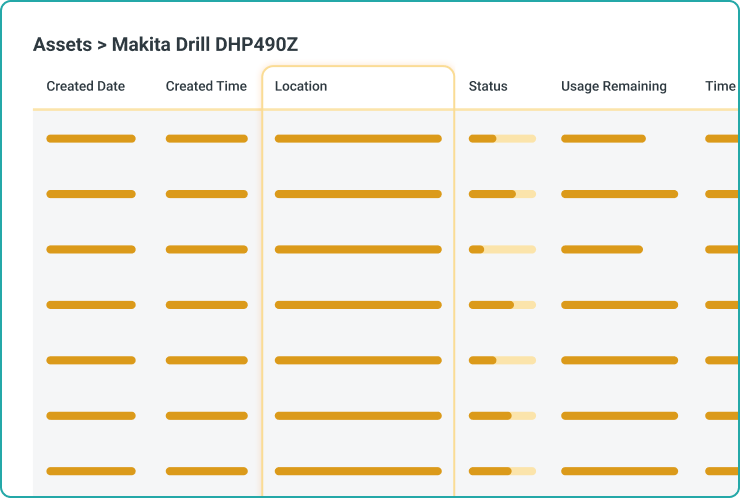
Crews shouldn't have to choose between getting tools fast and keeping records straight. Gearbelt captures check-outs and inspections at the asset, so workers get tools while managers see what's out.
Photo-based check-ins
Verify location for compliance and payroll accuracy.
Digital signatures and sign-offs
Crews, supervisors, and tool managers sign off in the field. Every record is timestamped and traceable.
QR-coded asset access
Scan a QR code on any tool or piece of equipment to open the right form. No clipboard hunting, no manual asset lookup.
Live asset register
Every tool and piece of equipment in one place, with full service history, inspections, and current location.
Mobile-first time capture
Complete check-ins, inspections, and condition reports from the field. Works offline, syncs when you're back in signal.
Custom templates
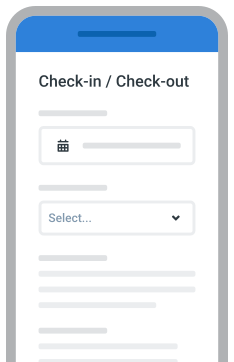
Adapt check-in/out and inspection forms to suit any asset type. Build new templates without code or IT support.
Issue and damage reporting
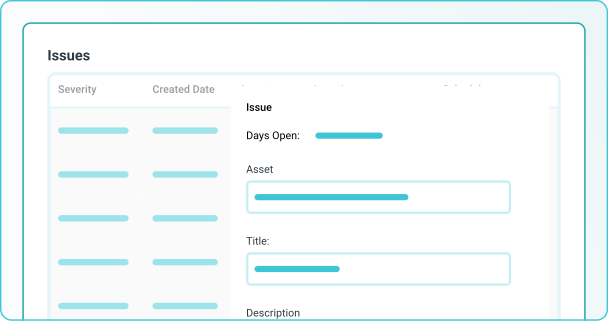
Log faults and damage with photos and severity levels. Issues flow straight into work orders, linked to the asset.
Inspection scheduling
Trigger inspections off check-out counts, hours, calendar intervals, or custom usage. Crews see what's due before equipment leaves the yard.
Enterprise-ready tools and equipment management
Set guardrails at the workspace, asset register, and template level. Control who can build templates, edit records, and approve work orders.
Workspace-level controls
Set guardrails at the workspace, asset register, and template level. Control who can build templates, edit records, and approve check-outs.
Full audit trail
Every check-out, inspection, fault, and sign-off is timestamped, signed, and traceable. Complete chain of custody for every asset.
Central oversight, local execution
Align inspection forms and check-in/out processes across regions while local teams adapt to site conditions. Roll up to enterprise-wide visibility.
Access controls and permissions
Role-based permissions at every level. Control who can check assets out, raise damage reports, and approve inspections.
Scalable rollout
Deploy to one tool shed or one thousand. Mobile-first design means crews are productive on day one.

"Like Sitemate’s other products, Gearbelt was very easy to implement from a systems perspective… we can customise it ourselves to suit our requirements.”
– Bella, Application Systems Officer

See how Sitemate has helped companies like yours improve their tools and equipment management system

Infrastructure
Burton Contractors
“Everyone knows what needs to be fixed and when. We can prepare the day better because faults are logged and sent to the right person in real-time.”

Energy & resources
Great Southwestern Construction
“Before, when it was all on paperwork, crews weren’t rolling out till an hour, hour and a half later.”
How to set up a tools and equipment management system using Gearbelt

Build your tool and equipment register
Load every hand tool, power tool, machine, and piece of equipment with categories and ownership tags.
- Asset categories
- Serial numbers
- Ownership and yard tags
- Custom fields
Generate and apply QR codes
Print QR labels for every tool and asset, then attach them to the equipment.
- QR label printing
- Durable label material
- Consistent placement
- Backup ID system
Configure check-in/check-out workflows
Set up the photo, condition, and signature fields workers see at handover.
- Photo requirements
- Condition fields
- Signature points
- Auto-assignee rules
Set up inspection and condition templates
Build pre-use inspections, post-use checks, and damage reports per asset type.
- Pre-use checklists
- Condition fields
- Severity tags
- Supervisor sign-off
Configure damage and issue reporting workflows
Define how damage gets routed for review, repair, or write-off.
- Severity routing
- Repair approvals
- Cost capture
- Replacement triggers
Comparison: Digital system vs Legacy Systems
Check-in / check-out
Location tracking
Tool and equipment inspections
Asset register
Damage and issue reporting
Compliance and audits
QR scan, photo of condition, digital signature
Real-time location of every asset and who has it
Photos and condition notes, signed off
Always audit-ready
Logged at the asset, flow to work orders
Every record timestamped, signed, asset-linked
Legacy
Sign-out sheets, lost keys, illegible signatures
Guesswork and shed sweeps
Paper checklists, lost photos, disputes
Scramble to compile records
Mentioned verbally, lost in handovers
Manual prep, days to compile records
Frequently asked questions
What does the Tools and Equipment Management System cover?

Is the Tools and Equipment Management System standalone, or does it work alongside other Sitemate components?
What does a typical tools and equipment workflow look like?
What types of assets does the system handle?
Does the Tools and Equipment Management System currently use Storm for AI form filling or template generation?
How does the human stay in control of tools and equipment records?
Does the system support compliance and inspection record requirements?
How does the system handle audit trails for tools and equipment?
How long does it take to set up the Tools and Equipment Management System?
Can we tailor the system to match our existing tool tracking processes?