
No-code integrations for the built world
Connect Dashpivot to Microsoft, Xero, Power BI, SharePoint, and more. Set up in minutes, no developers required.

Trusted by companies, projects and teams of all sizes















connectors
Pre-built connectors for the systems you already use
Each connector is configurable in minutes, no code required. Pick the source data in Dashpivot, pick the destination, map the fields, and choose when the flow runs.
Microsoft Excel
Push timesheets, registers, and form data into your finance team's sheets.

Microsoft Power BI
Sync Dashpivot records to Power BI datasets so dashboards stay live.
Microsoft SharePoint
Auto-export approved forms, registers, and PDFs to project SharePoint folders.
Microsoft Power Platform
Push Dashpivot data into Power Apps, Power Automate, and Dataverse.
Xero
Timesheets push to Xero payroll, dockets become draft invoices.
QuickBooks
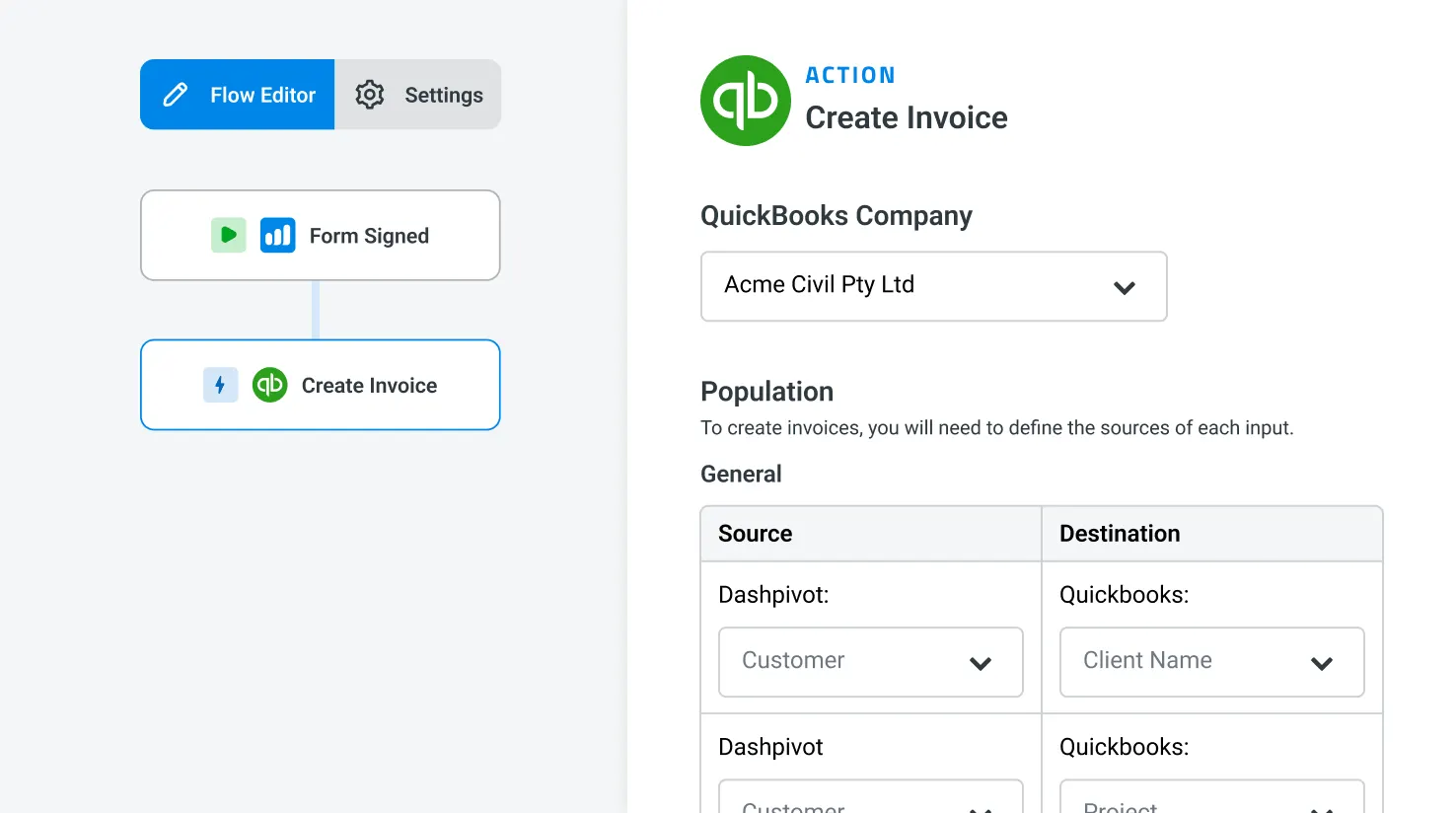
Dockets become QuickBooks invoices, time captured lands in payroll.
Open API
Read and write Dashpivot records, forms, and registers from your own systems.
What teams build
What built world teams automate on Flowsite
Each one starts with a Dashpivot form and ends with a back-office system updated automatically. Pulled from the integrations our customers actually run today.
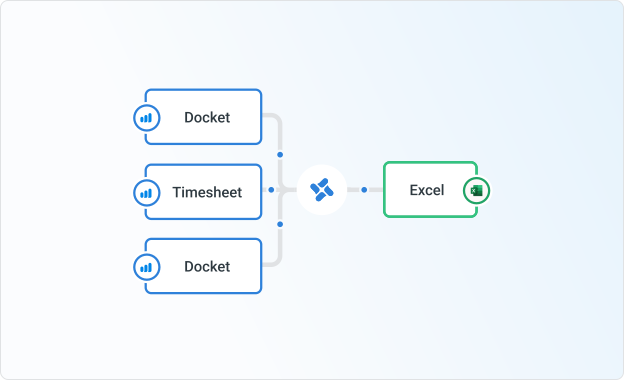
Microsoft Excel
Push Dashpivot field data into the Excel sheets your finance, ops, and project teams already use. Append, update, or replace on a schedule.
Tables, line items, signatures, and dropdowns preserved across both systems
Trigger on form approval or run on a schedule (hourly, daily, weekly)
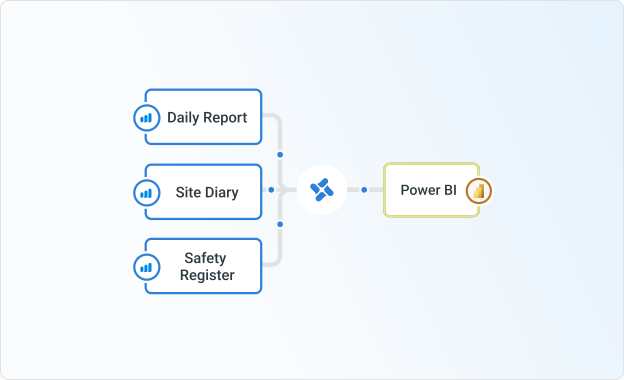
Microsoft Power BI
Sync Dashpivot records to Power BI datasets so existing dashboards refresh against live field data. No manual exports, no stale snapshots.
Field types, relationships, and lookups maintained for clean modelling
Combine Dashpivot field data with finance and ops data already in Power BI
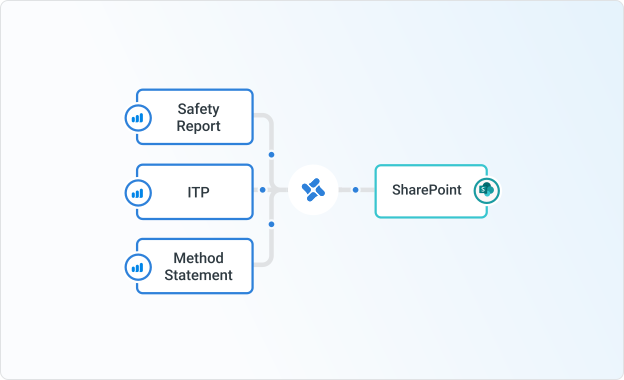
Microsoft SharePoint
Auto-export approved forms, registers, and PDFs to SharePoint folders that mirror your project structure. The document library populates itself.
Folders mapped by project, files named by date and form type automatically
Version-aware updates keep older versions traceable for audit
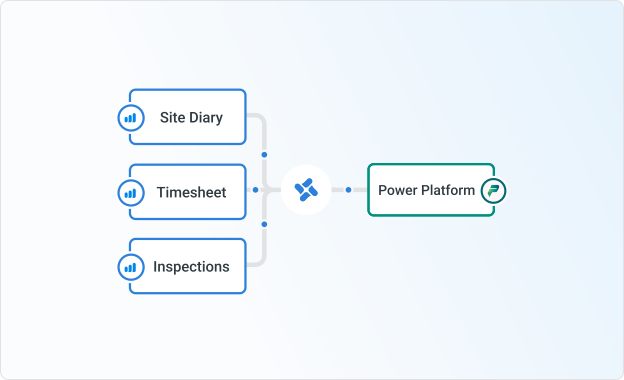
Microsoft Power Platform
Push Dashpivot data into Dataverse, Power Apps, and Power Automate. Build internal apps and automations that work off live field data, no custom dev.
Dataverse sync on schedule or trigger for downstream Power Apps
Power Automate flows triggered by Dashpivot events (approval, status change, submission)
Xero
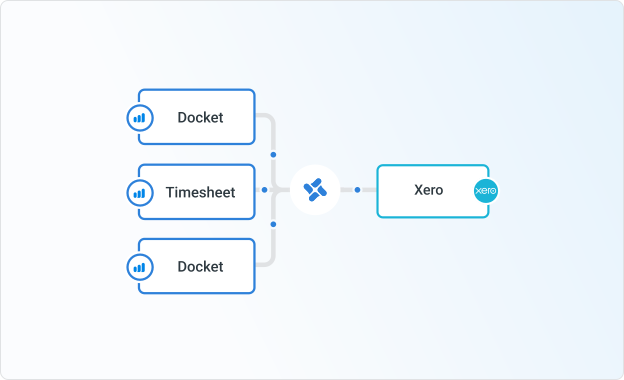
Approved Dashpivot timesheets push directly into Xero payroll. Field dockets become draft invoices, with tracking categories preserved.
Overtime, breaks, and allowances calculated automatically using your business rules
Tracking categories mapped to projects, cost codes, and asset references
QuickBooks
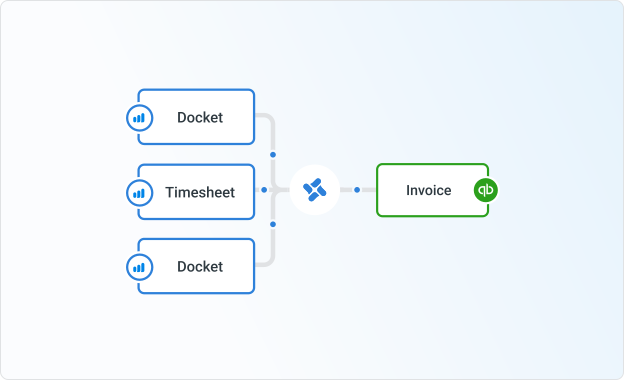
Approved field dockets land in QuickBooks as draft invoices, with line items and job codes intact. Captured time lands in payroll, ready to run.
Customer, project, and cost coding preserved from the docket
Project and cost coding mapped once, holds across every flow
Open API
Custom integrations with any software or system via Flowsite Open API
Full control to connect, sync, and automate exactly what you need. Free on the Flowsite Freemium plan.
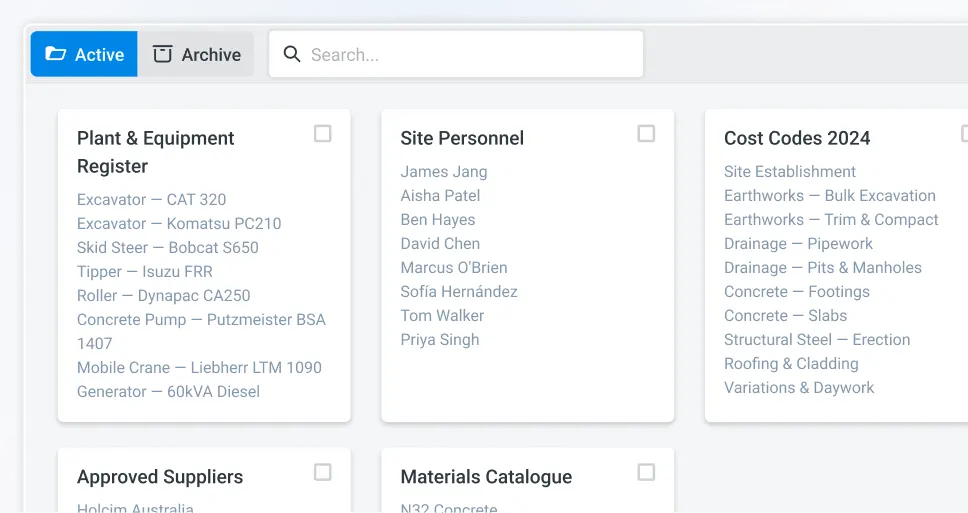
Create or update lists
Keep critical lists and databases of people, plant, cost codes, and more synced across your systems, so workers always select from your source of truth.
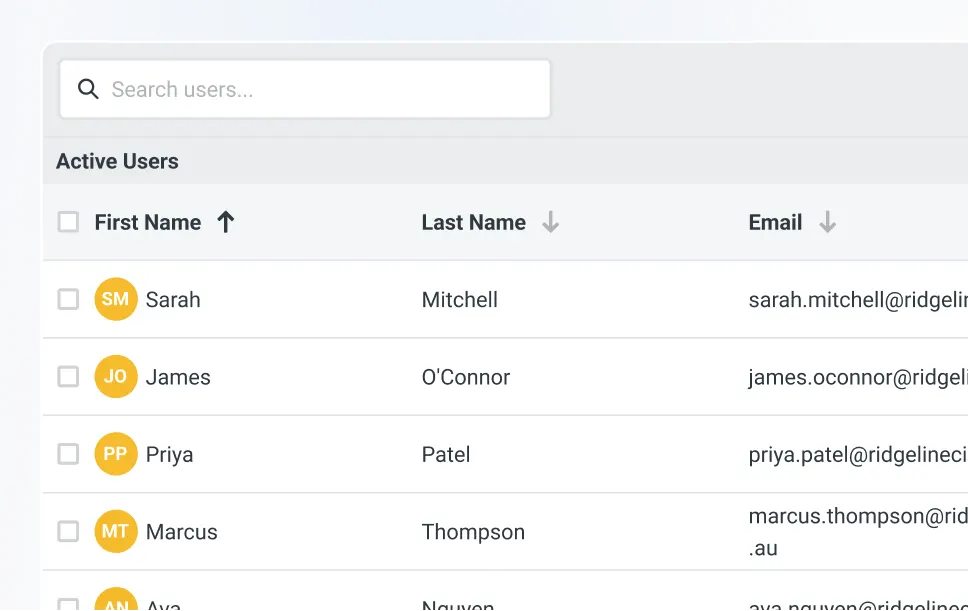
Add or remove users
Keep users and access in sync across your systems. Everyone gets the access they need without manual provisioning.
Create new jobs and job folders
Spin up new projects or folder structures programmatically. Ideal for companies with a high volume of jobs or those creating them in a job-management system
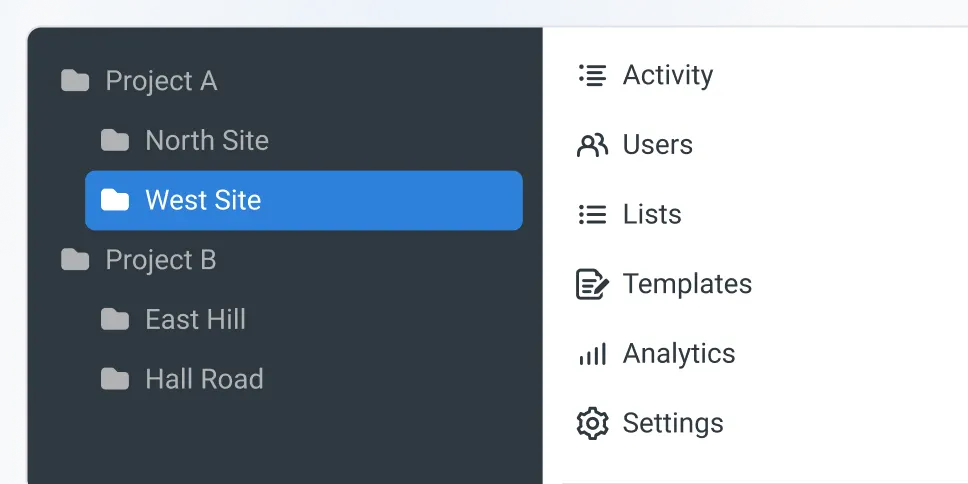
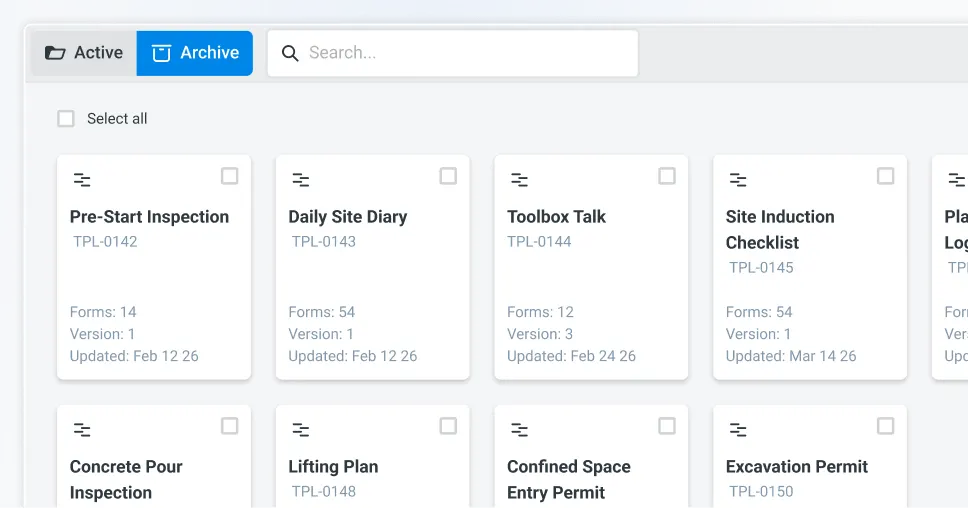
Deploy templates and more
Distribute individual templates or whole processes across teams and projects instantly. Everyone gets the latest version without delays.
Explore some of our most common and upcoming integrations:












How to set up your first integration
From data captured to data delivered, in four steps
Configuration is visual. No scripts, no syntax errors, no developers.

Pick a connector
Microsoft, Xero, Power BI, SharePoint, QuickBooks, Power Platform, or use the Open API for anything else.

Map your fields
Drag Dashpivot fields onto destination columns. Tables, signatures, dropdowns, and conditional fields flow through with their full structure.

Set your trigger
Run hourly, daily, on form submission, on approval, or on demand. The right data moves at the right moment.

Monitor and adjust
Per-run logs show every execution. Tweak mappings and schedules whenever the business changes. No engineering involved.
Platform features
Beyond the connectors. The platform behind every flow
Build, schedule, and monitor every flow from one place, across every connector.
Visual flow builder
Configure flows visually with conditional logic, filters, and dry-run testing before you ship. Every flow is set up by the team running the business, not just IT.
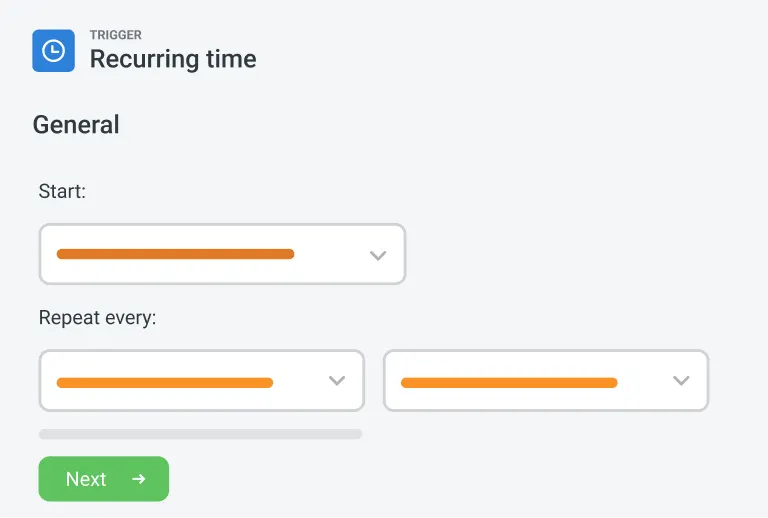
Triggers and schedules
Hourly through 24-hour schedules, on-submission, on-approval, or on-demand triggers. Pick what matches the work, mix as needed.
Run logs and error handling
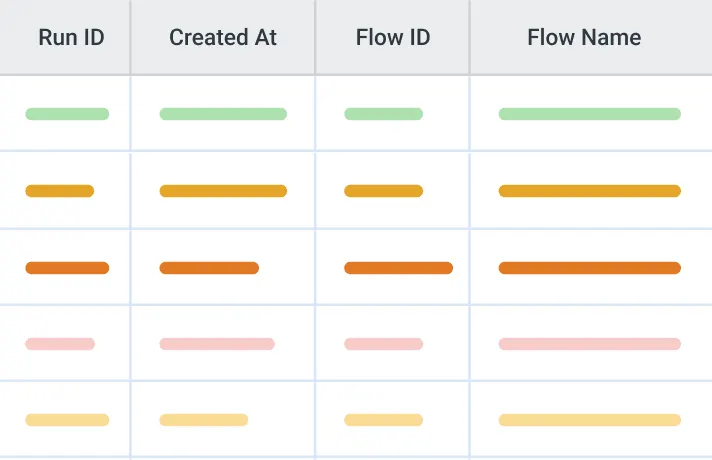
Per-run logs with timestamps, record counts, and outcomes. Failed records surface immediately with the error reason. Replay after a fix without breaking the schedule.
Customer spotlight
How Mulgoa Quarries automated payroll and invoicing with Flowsite
Mulgoa Quarries, an NSW-based earthworks and quarrying operation, used to spend 5 days a week moving timesheet and docket data into Xero by hand. Flowsite cut that to ad hoc checks. The team configured the integration themselves in a morning, no developer involved.

"Instead of spending 5 days on data entry, it's now just ad hoc time, checking the data coming in electronically."
Rhys Thomas — CFO, Mulgoa Quarries
Ad hoc data checks
Replacing 5 days a week of manual entry
Set up in a morning
No developer, no custom build


Comparison
Flowsite vs custom development
Setup time
Built world depth
Who builds it
Maintenance
Cost at scale
Coverage

Minutes
Native, built for Dashpivot's data model
The team running the business
Maintained by Sitemate, configurable by you
Free plan, scales by usage
Off-the-shelf connectors plus Open API for everything else
Custom
Weeks to months
As deep as you build, as fragile as you maintain
Engineers
Fragile, breaks when source or destination changes
High upfront, ongoing engineering cost
Whatever you build
Frequently asked questions
How is Flowsite priced?

What does Flowsite cover?
How is Flowsite different from Zapier, Workato, or other generic integration tools?
How is Flowsite different from a custom API integration?
Is Flowsite standalone, or does it work alongside other Sitemate products?
Is there a limit on the number of integrations?
What does Storm do in Flowsite?
Where does the human stay in control?
How long does it take to set up a Flowsite connector?
What systems does Flowsite connect to?
Does Flowsite work on mobile or offline?
Who in my team would use Flowsite?